The 10 Top ASO Tools for App Growth in 2026
Discover the top ASO tools of 2026. Our expert review compares features, pricing, and use cases for platforms like AppTweak, Sensor Tower, and more.
On this page
- 1. AppGrowKit
- Why it stands out
- Best fit in practice
- 2. AppTweak
- Where AppTweak is strongest
- 3. Sensor Tower
- When Sensor Tower makes sense
- 4. data.ai (formerly App Annie)
- Best use case
- 5. App Radar
- Why smaller teams like it
- 6. MobileAction
- Best use case for paid and organic teams
- 7. AppFollow
- Where it wins
- 8. Appfigures
- Why it works well for lean teams
- 9. Asodesk
- Best fit
- 10. SplitMetrics Optimize
- Where it fits in your stack
- Top 10 ASO Tools, Feature Comparison
- Final Thoughts
You've probably been here already. The app is solid, retention looks promising, early users like it, and yet store growth feels stubborn. You tweak the title, add a few keywords, refresh a screenshot, then wait. Not much happens. That's usually the moment teams realize ASO isn't a one-time metadata task. It's an operating system for discovery, conversion, and feedback.
That matters because ranking gains aren't linear. A 2026 industry synthesis says apps in the top 3 keyword positions generate 4.6x the daily organic installs of apps ranked 8 to 15, and 11.2x the installs of apps ranked 16 to 30. It also notes that beyond rank 30, less than 4% of total search-driven installs remain for that keyword, according to Digital Applied's ASO statistics synthesis. If you've ever wondered why serious teams obsess over tracking, localization, and competitor watchlists, that's the reason.
The best ASO tools help with that visibility problem, but the good ones also solve a second problem. They connect search intent to creative execution. Keyword data tells you what users want. Reviews tell you where your product disappoints or delights. Screenshot testing tells you whether your page converts once people land on it.
This guide focuses on that full workflow. Not just keyword databases, and not just market intelligence dashboards. The goal is to show which tools are best when you need to research demand, understand rivals, improve screenshots, monitor reviews, and make sane choices based on team size and budget.
1. AppGrowKit#
Disclosure: AppGrowKit is our own product, and it sits at number one because this is our blog. We believe the write-up below is accurate, but read it knowing we are biased. The nine tools that follow are the strongest independent options, presented on their merits.
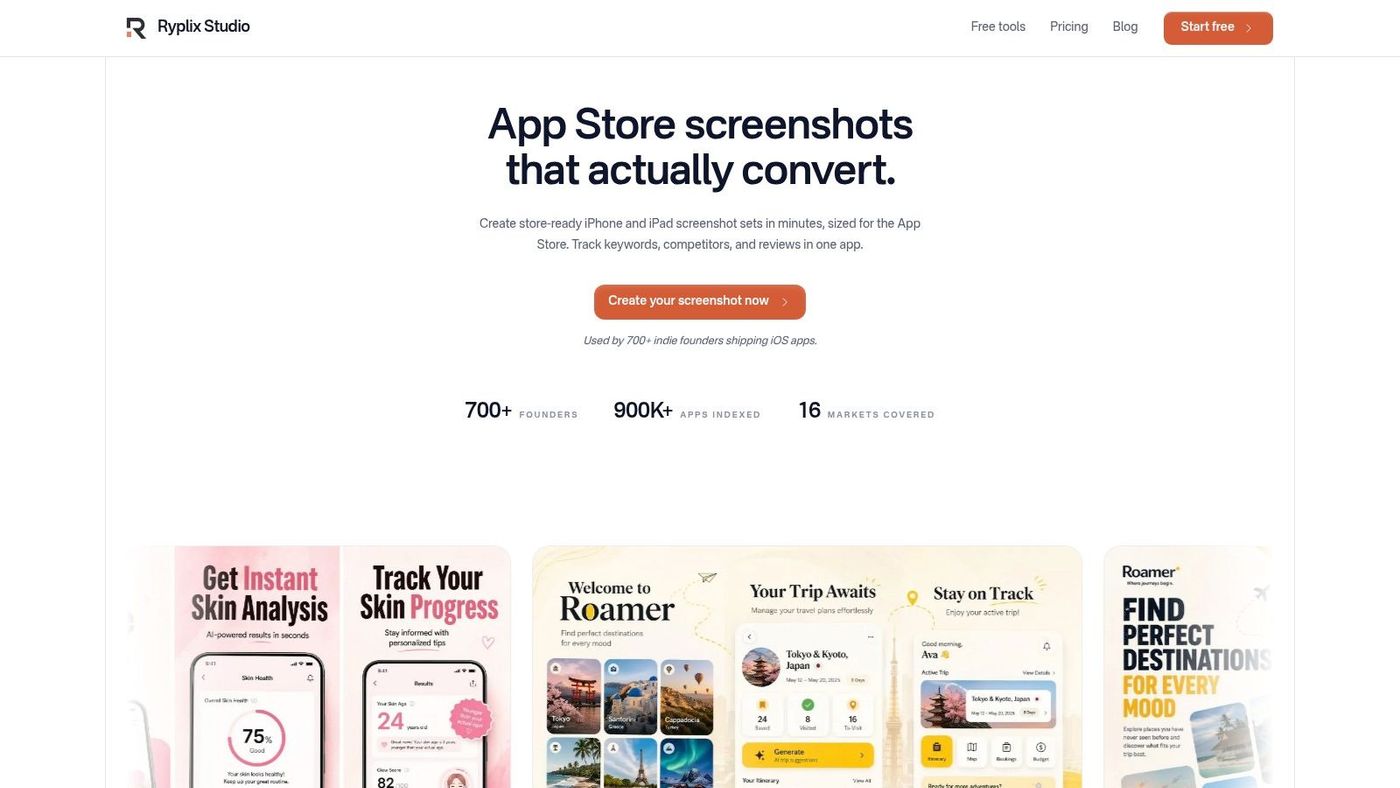
A common ASO scenario looks like this. The team has a keyword list, a rough sense of competitor positioning, and plenty of opinions about what to test. What they do not have is a fast way to turn real product moments into store creatives that are credible enough to ship and structured enough to test. AppGrowKit is built for that gap.
Its main strength is clear. AppGrowKit connects the analytical side of ASO with the creative work that usually slows execution down. Instead of treating screenshots as a separate design task, it helps teams build them from real UI, real feature proof, and current ASO inputs. That matters because conversion rarely improves from metadata changes alone if the first screenshots fail to support the promise.
Why it stands out#
AppGrowKit is strongest for teams that already understand the basics of app store optimization and need a practical workflow, not another reporting layer. The product combines screenshot creation with keyword research, competitor monitoring, and review insights in one workspace. That setup matches how ASO work is typically done on small and mid-sized teams. The same person is often reviewing search terms, checking competitor creative, rewriting copy, and exporting assets in the same afternoon.
The creative angle is what makes it different from the rest of this list. Several ASO platforms are better known for ranking intelligence or market data. AppGrowKit focuses on the asset production problem that blocks teams after the research is done. It uses actual app screens and product flows, which usually leads to stronger proof than generic mockups or decorative device frames.
That has a direct effect on message quality.
If a note-taking app is trying to win on AI summaries or voice transcription, the first screenshot should show that feature in action and explain why it matters. Vague taglines waste premium space. AppGrowKit is useful because it pushes teams toward clearer screenshot narratives tied to real use cases.
For teams building that process from scratch, the App Store screenshot generator guide from AppGrowKit is a useful companion because it ties asset production to conversion work instead of treating design as a side project.
Practical rule: If metadata keeps changing but screenshot concepts stay generic, the ASO bottleneck is partly creative.
Best fit in practice#
AppGrowKit fits indie developers, agencies, and lean growth teams that need better creatives without building a full in-house store design pipeline. It is also a sensible choice for teams that plan to test multiple visual directions early, then localize only the winners. That workflow saves time and keeps budget focused on concepts that already show promise.
The trade-off is depth versus breadth. AppGrowKit covers more of the creative production workflow than many classic ASO tools, but it is not trying to replace a heavy market intelligence platform. Teams that need large-scale category modeling, broader market sizing, or executive-level app market reporting will still want another tool in the stack. Teams that mainly need to produce, refine, and iterate store assets will likely get more day-to-day value here.
A practical workflow looks like this:
- Start with the story: Pull top keywords, review themes, and competitor angles before making any screenshot set.
- Build several concepts early: Test multiple narratives instead of polishing one direction too soon.
- Use real UI proof: Show the feature, outcome, or flow that supports the claim in each slot.
- Localize after validation: Adapt winning concepts for priority markets instead of translating weak concepts at scale.
That sequence is simple, but it reflects how good ASO programs run. Research informs creative. Creative supports conversion. Testing decides what earns more investment. AppGrowKit is a strong option for teams that want those steps connected in one place.
2. AppTweak#
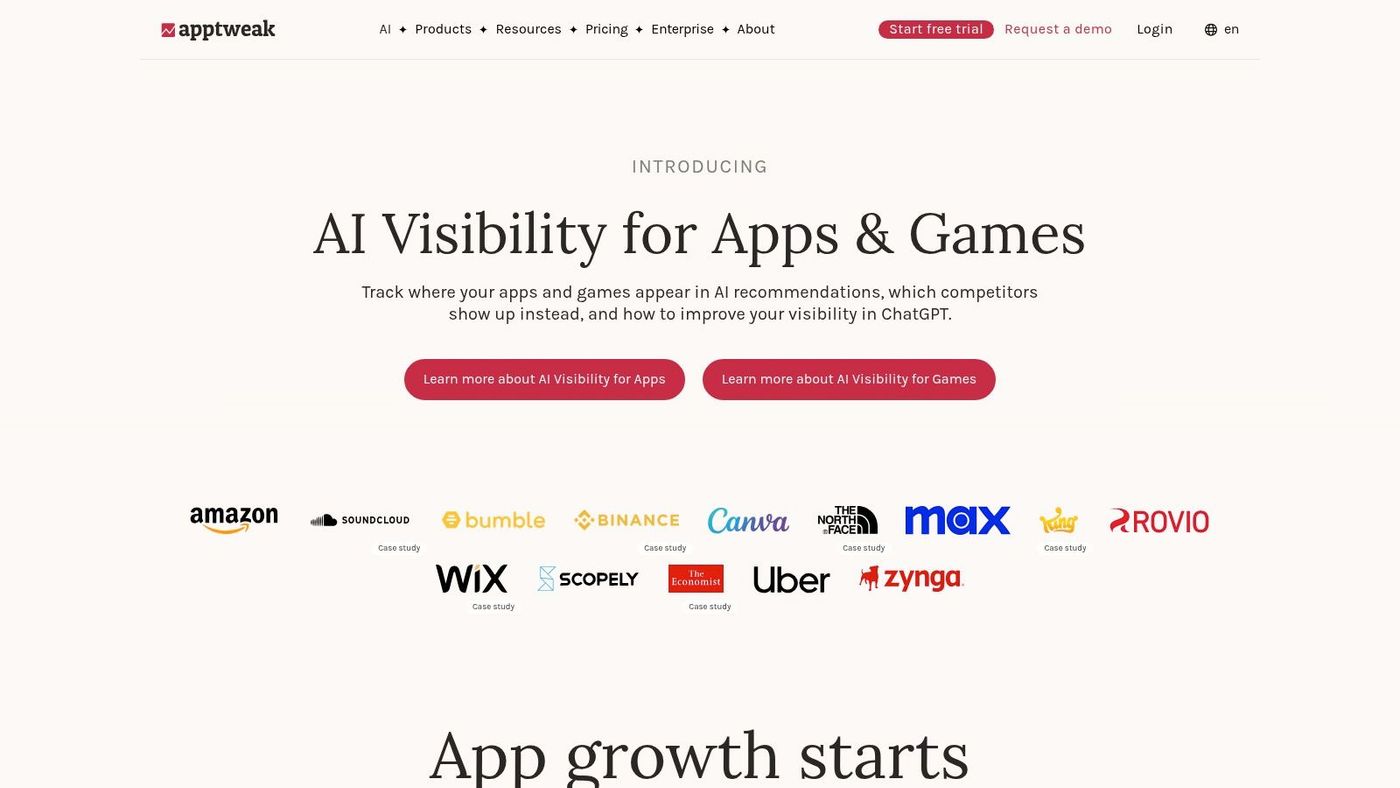
AppTweak is one of the safest recommendations in any top ASO tools list because it's built around actual ASO workflows, not a random collection of reports. It's strong in keyword discovery, tracking, competitor analysis, and creative research, and it usually feels easier to operationalize than heavier enterprise suites.
What I like about AppTweak is that it doesn't force you to be an expert before it becomes useful. The workflows are clear enough for smaller teams, but the feature depth is still there when you need more rigorous analysis across markets and stores.
Where AppTweak is strongest#
Its sweet spot is the team that wants a serious ASO platform without jumping straight into enterprise market intelligence. That includes in-house growth teams, agencies, and apps that have moved beyond basic listing edits but don't need a sprawling intelligence stack yet.
AppTweak's own 2026 comparison separates tools by use case, with AppTweak positioned for mid-to-large apps and agencies, while lighter options are framed around simpler needs or low-cost entry, according to AppTweak's ASO keyword research tool comparison. That distinction is useful because feature breadth alone doesn't tell you whether a product matches your stage.
If your team is still learning the basics, start with the AppGrowKit guide to what app store optimization means in practice. Then use AppTweak to structure repeatable research around rankings, metadata, creative gaps, and review themes.
AppTweak is rarely the cheapest path. It becomes worth it when multiple people need to make decisions from the same ASO system.
The trade-off is cost creep. Once you start layering on more modules, markets, or intelligence features, the platform can get expensive for a small portfolio. It also delivers the best value when you connect your consoles and use several modules together. If you only want a lightweight keyword tracker, it's more tool than you need.
3. Sensor Tower#
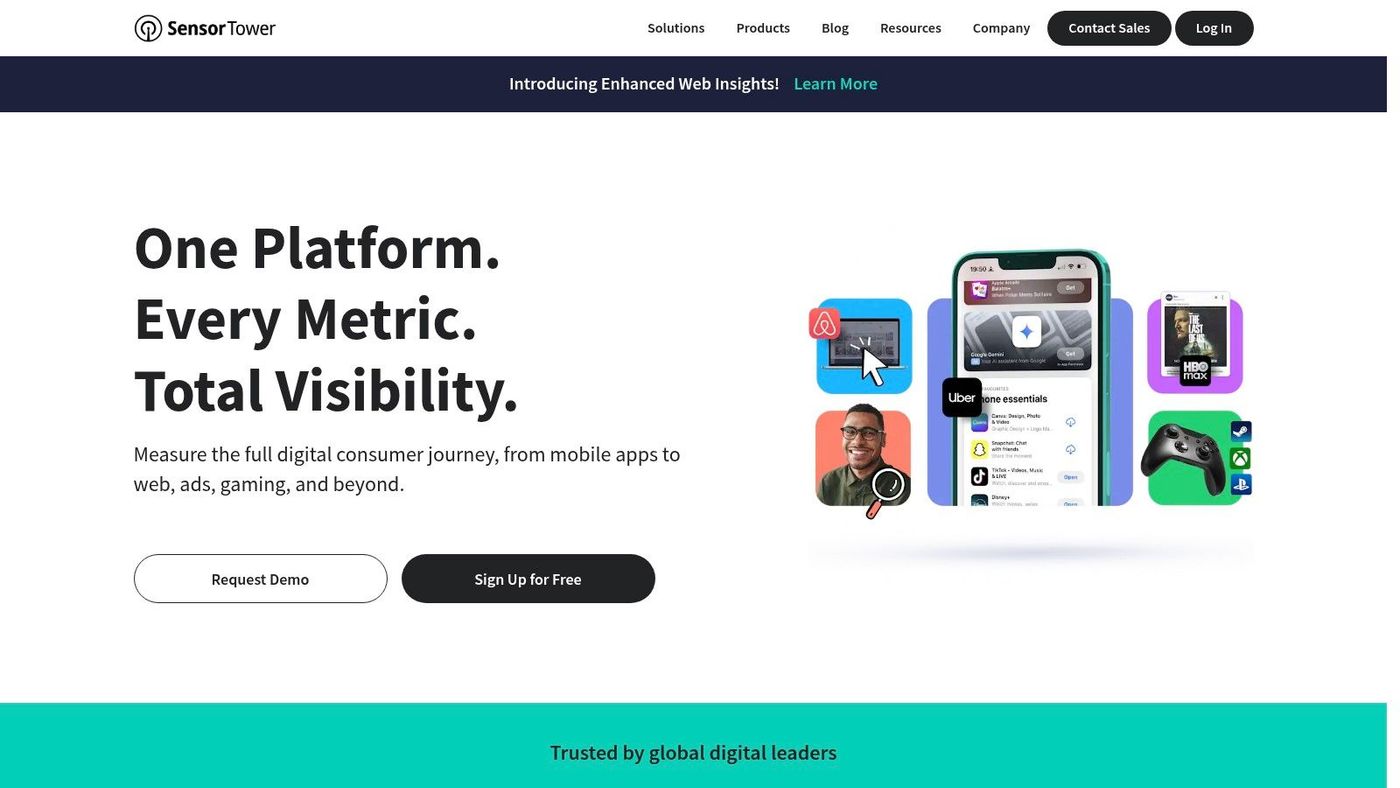
Sensor Tower sits at the enterprise end of the market. It's the tool I'd look at when ASO is only one part of a bigger competitive intelligence job that also includes paid acquisition, category shifts, and market sizing.
That matters because the ASO tool market has moved well beyond single-purpose keyword trackers. A 2026 roundup describes modern ASO platforms as multi-function systems that can bundle keyword research, competitor analysis, review management, Apple Search Ads support, localization, and creative support, according to AppFollow's review of ASO tools in 2026. Sensor Tower fits that broader evolution, but with a clear enterprise bias.
When Sensor Tower makes sense#
If you're managing a large portfolio, planning market expansion, or trying to keep organic and paid intelligence under one roof, Sensor Tower makes sense. Its strength is context. You're not just looking at a keyword rank. You're looking at how that rank fits into a wider category context.
That's useful for bigger studios, brands, and agencies that need a shared source of truth across acquisition and strategy. It's less useful for a solo founder who just needs to tighten metadata and ship better screenshots next week.
For process-focused teams, the AppGrowKit app store optimization checklist pairs well with a platform like Sensor Tower because it keeps execution grounded. Big platforms can produce a lot of data. A checklist helps keep teams from confusing visibility reports with actual optimization work.
The downside is simple. Sensor Tower is often heavier and more expensive than smaller teams need. If your core questions are “Which keywords should I target?” and “Which screenshot angle should I test next?” there are cheaper, faster ways to answer them.
4. data.ai (formerly App Annie)#
data.ai is less of a pure ASO tool and more of a strategic intelligence platform that happens to support ASO decisions well. That distinction matters. If your job is market mapping, competitor benchmarking, and understanding category movement across countries, data.ai can be more useful than a narrower ASO-first product.
It's especially relevant for teams that need to answer questions outside listing performance. For example, a subscription app entering a new market may want to understand category leaders, monetization context, and engagement patterns before deciding which search terms or screenshot themes to prioritize.
Best use case#
Choose data.ai when the business question comes before the ASO question. A head of growth, strategy lead, or publishing team often needs broader context first, then uses ASO execution tools later.
That's also why data.ai can feel like overkill for small teams. If your immediate work is keyword tracking, metadata iteration, and review monitoring, this platform may be too broad for the daily job. You'll pay for perspective you might not use every week.
A key trade-off is focus. data.ai can help you understand where to compete. It is less likely to be the only platform you use to execute store optimization. In practice, teams often pair this kind of market intelligence with a more tactical ASO or creative workflow tool.
5. App Radar#
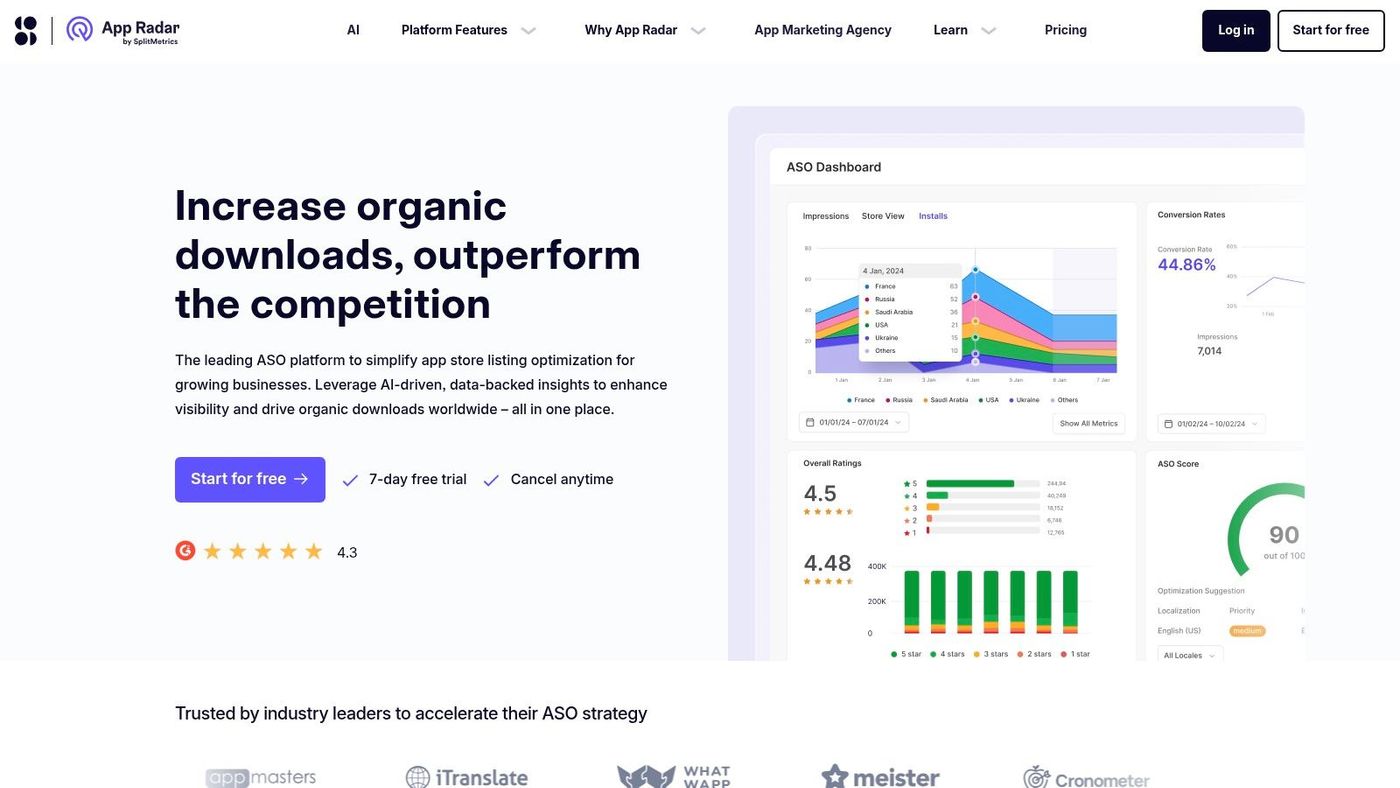
App Radar is one of the more practical choices for smaller teams that want useful ASO workflows without getting buried in enterprise complexity. It covers the core jobs well: keyword discovery, tracking, competitor monitoring, listing management, and localization support.
Its positioning also lines up with how the market has split. Some tools are built for mid-market and enterprise depth. Others are better for more basic ASO needs and cleaner day-to-day execution. App Radar usually lands in the second group.
Why smaller teams like it#
The interface tends to be straightforward, and the workflow makes sense for SMBs, startups, and lean in-house teams. You can get from keyword list to listing change without a lot of setup friction.
Business of Apps also highlights App Radar as strong for localization and regional conversion-rate comparison within the broader ASO tooling sphere, in its overview of ASO tools and categories. That's a good summary of where the product is most useful. It helps teams expand beyond one market without immediately needing a giant intelligence stack.
A simple example: if your app performs well in English-speaking markets and you want to test expansion into a handful of non-English locales, App Radar gives you a manageable way to track keyword behavior and listing differences across regions.
The trade-off is depth. It's not the tool I'd choose for advanced market intelligence, heavy creative experimentation, or broad executive reporting. It's better when your priority is getting solid ASO work done consistently.
6. MobileAction#
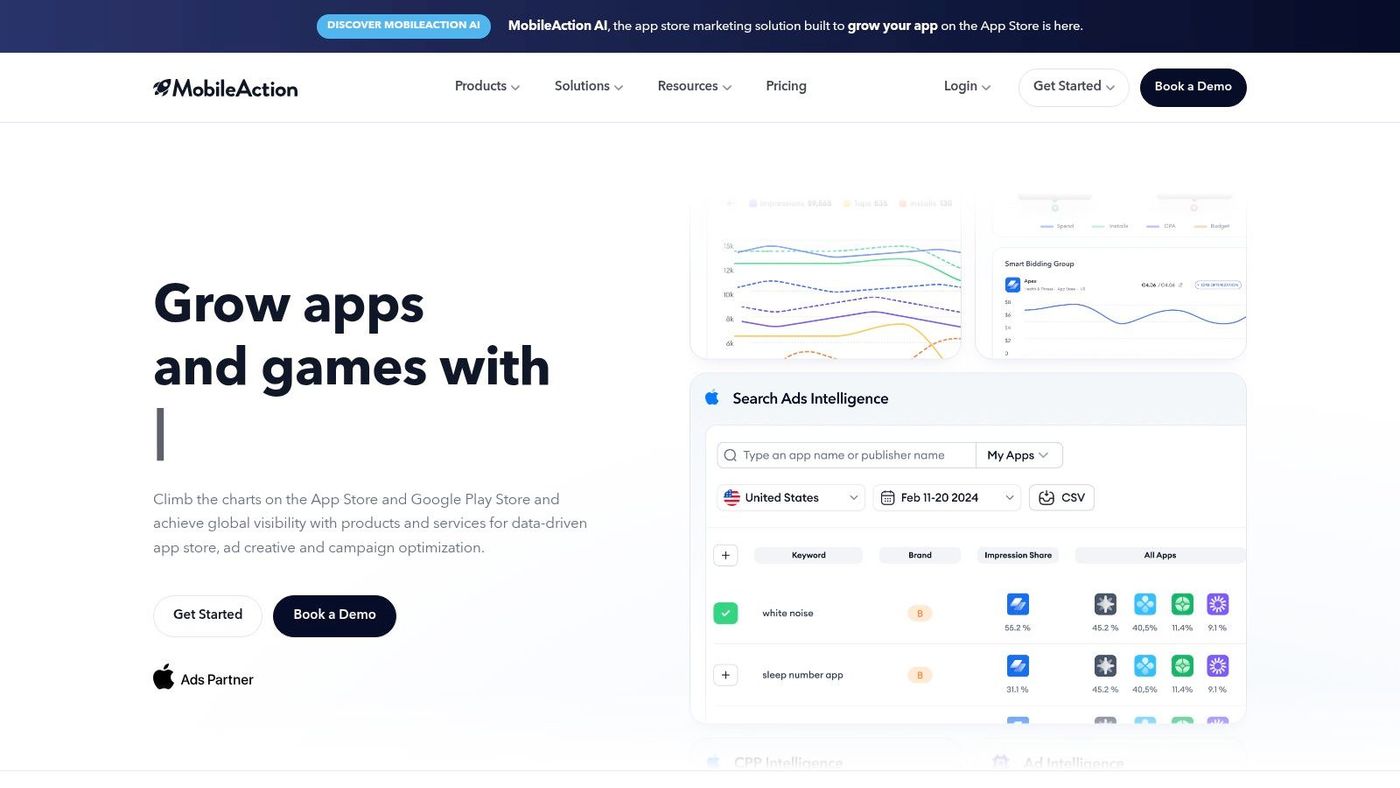
MobileAction is most useful when ASO and Apple Search Ads are run by the same team, or at least need to inform each other. That's a common setup in mobile growth, and not every ASO platform handles it well.
The reason this matters is practical. Paid search terms often reveal intent patterns faster. Organic ranking data helps validate whether those themes deserve longer-term listing investment. A tool that keeps both sides visible can reduce blind spots.
Best use case for paid and organic teams#
Use MobileAction when your team actively manages both organic visibility and paid Apple Ads workflows. It's a better fit for growth marketers than for purely creative or reputation-focused teams.
It also reflects a broader market trend. Independent reviews and product material increasingly position AI-assisted discovery, keyword expansion, and workflow shortcuts as meaningful differentiators, while many practitioners still combine multiple tools rather than relying on one platform, as discussed in this recent video covering current ASO tooling trends. MobileAction fits that hybrid reality well because it bridges more than one motion.
If your paid and organic teams use different keyword language, your store strategy will drift. A shared tool helps keep demand signals aligned.
The limitation is tiering. Some of the more advanced capabilities sit higher up the plan ladder, so smaller teams may feel the gap between entry access and the workflow they want. If you don't run Apple Ads or need paid intelligence, other ASO platforms may be simpler.
7. AppFollow#
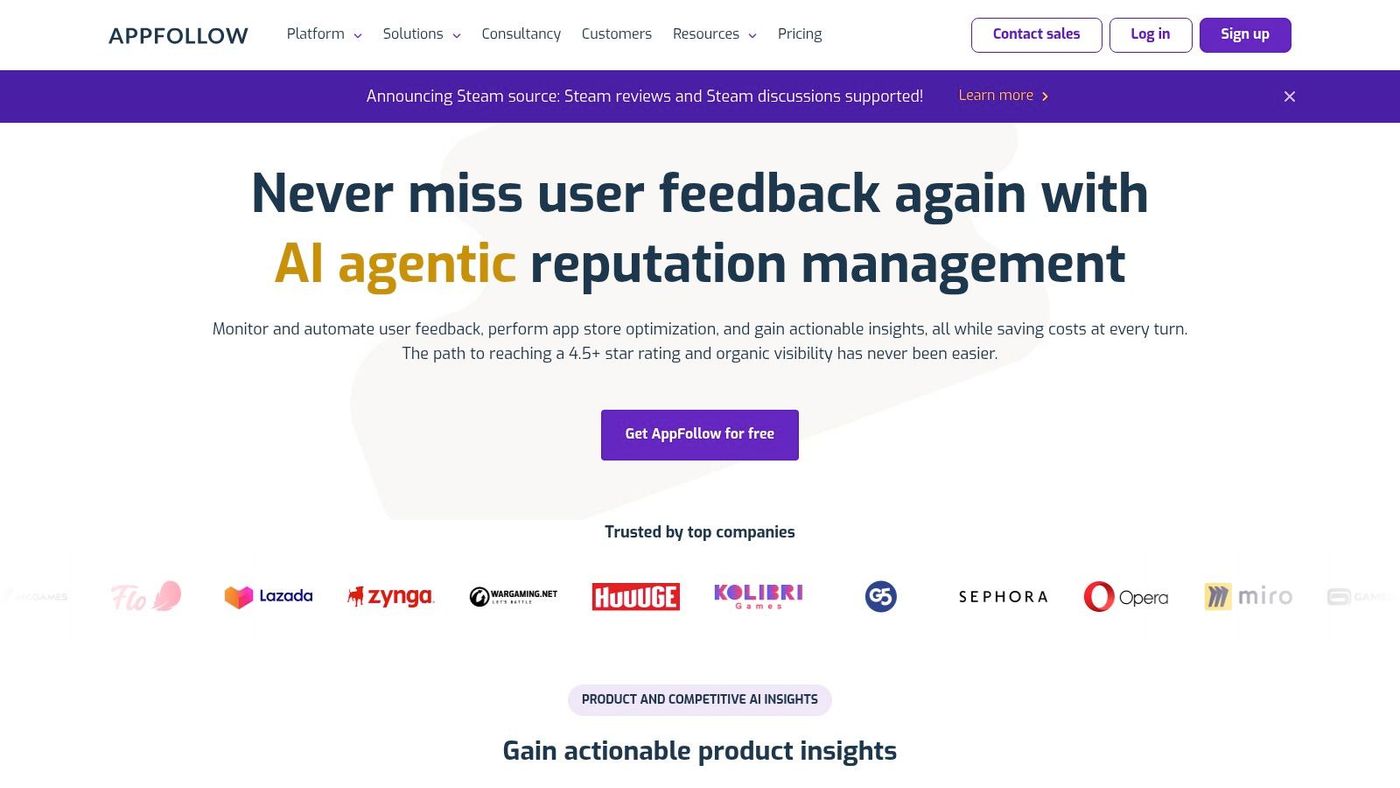
AppFollow stands out because it treats reviews and reputation management as a central part of ASO, not a side feature. That makes it especially useful for apps where user feedback changes store performance quickly, such as subscription products, utilities, and apps with frequent release cycles.
This matters more than many ASO lists admit. Reviews don't just affect ratings. They tell you which feature claims are believable, which promises are falling flat, and what language users naturally use when describing the product.
Where it wins#
Business of Apps notes that review-analysis tools are used to extract user-satisfaction signals from app reviews. AppFollow leans into that workflow well. It brings together review monitoring, AI summaries, semantic analysis, keyword tracking, and competitor context in a way that's useful for both growth and support teams.
A practical example: if users repeatedly praise a “fast invoice scanner” feature while your screenshots emphasize “smart expense management,” AppFollow can help surface that mismatch. That's the kind of insight that improves conversion more than another round of keyword polishing.
The trade-off is that pricing visibility is limited, and the platform can feel more sales-led than self-serve depending on what you need. If your main job is pure keyword research with minimal review handling, you may not need its stronger reputation workflows.
8. Appfigures#
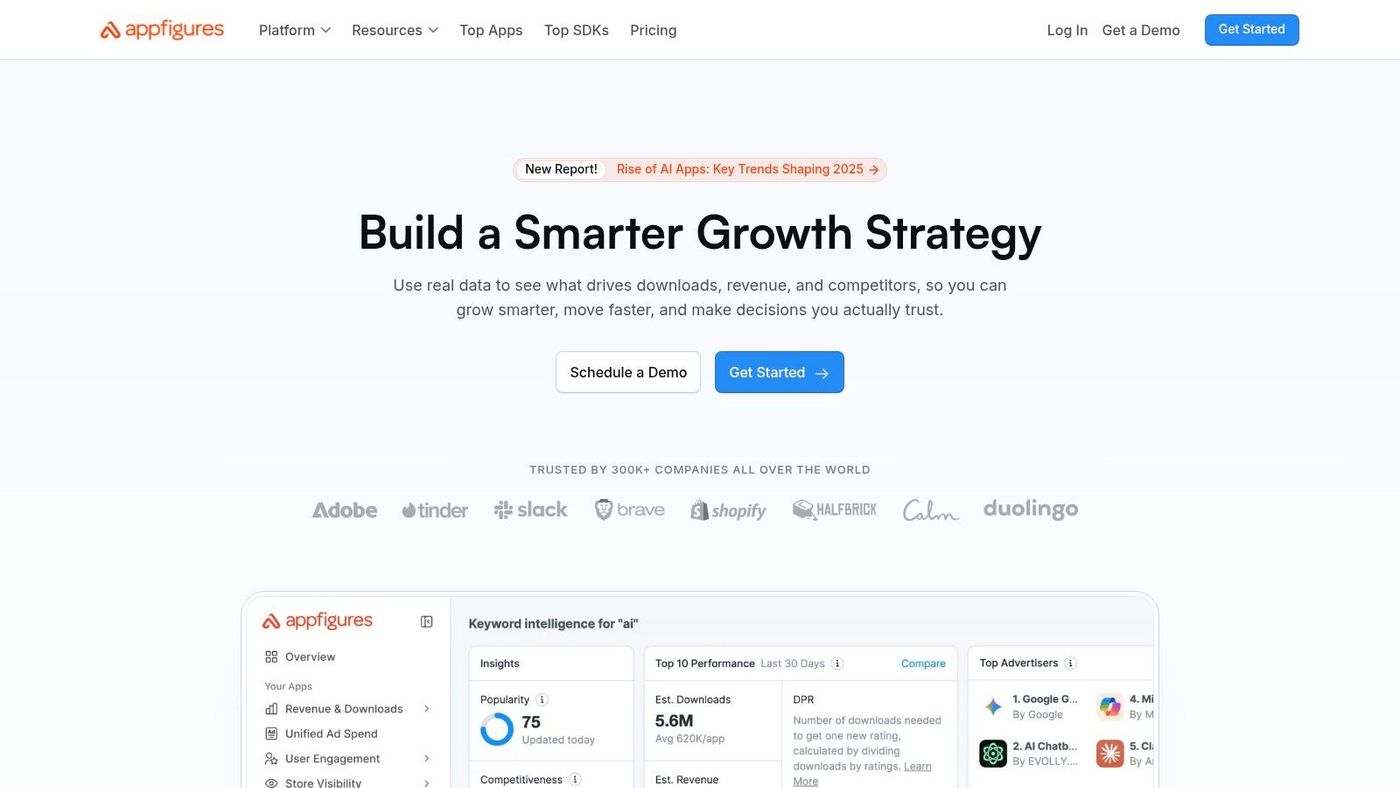
Appfigures is one of the better all-in-one picks for solo founders and lean teams. It combines first-party analytics, rankings, reviews, and ASO features in a package that feels approachable rather than overbuilt.
That matters if you're running a small portfolio or launching your first app. You often don't need a giant intelligence platform. You need one place to watch downloads, revenue, keyword movement, and competitor changes without paying for layers of functionality you won't touch.
Why it works well for lean teams#
Appfigures is good at consolidating the basics. You can connect your app data, monitor rank shifts, review store performance, and keep a competitor watchlist without a lot of operational overhead.
It's the kind of tool I'd recommend to a founder who wants to move from “I updated my listing once” to “I have a repeatable weekly ASO routine.” The workflow is easier to sustain because it's not trying to be a massive strategic platform.
The trade-off is ceiling. Once your team starts needing deeper market estimates, advanced cross-market planning, or heavier collaboration, Appfigures can feel limited compared with enterprise products. For smaller teams, though, that simplicity is often a strength.
9. Asodesk#
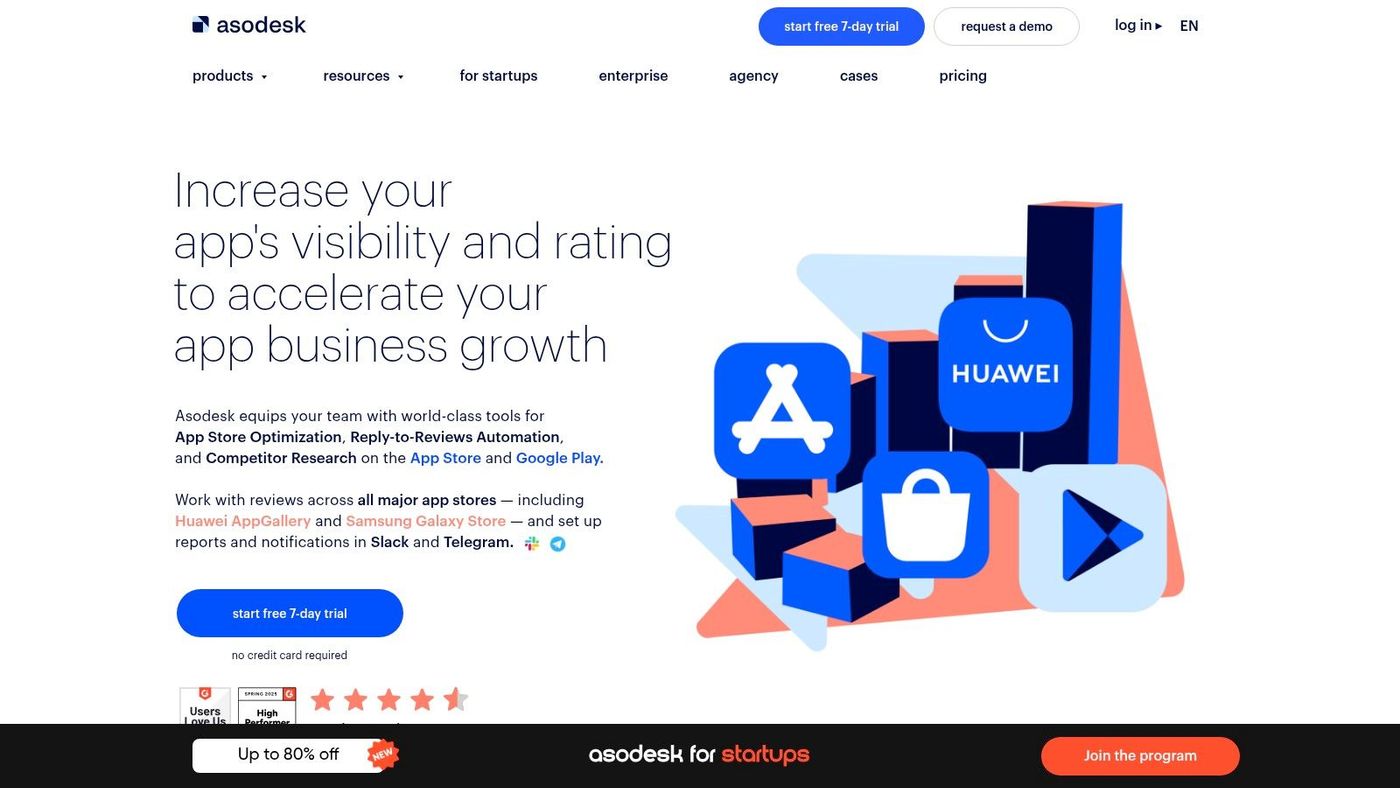
Asodesk is a broad ASO suite that often gets picked by growth teams looking for good monitoring coverage without jumping to the most expensive enterprise products. It covers keyword research, competitor tracking, category monitoring, and review workflows in a fairly complete package.
Its appeal is practical rather than glamorous. If your team needs alerts, wide locale monitoring, and review management across a growing app portfolio, Asodesk can do a lot of day-to-day work reliably.
Best fit#
I'd put Asodesk in the bucket for teams that are operationally busy. Not necessarily huge, but active across multiple markets and listings. It's useful when someone needs to know quickly whether rankings moved, reviews shifted, or a competitor changed metadata.
The drawbacks are mostly around experience rather than feature set. Some documentation and site content can feel uneven across languages or regions, so onboarding may not feel as polished as with a few better-known competitors. If your team values slick enablement material, that can matter.
Still, for broad monitoring at a reasonable level of complexity, Asodesk deserves a place in any serious top ASO tools shortlist.
10. SplitMetrics Optimize#
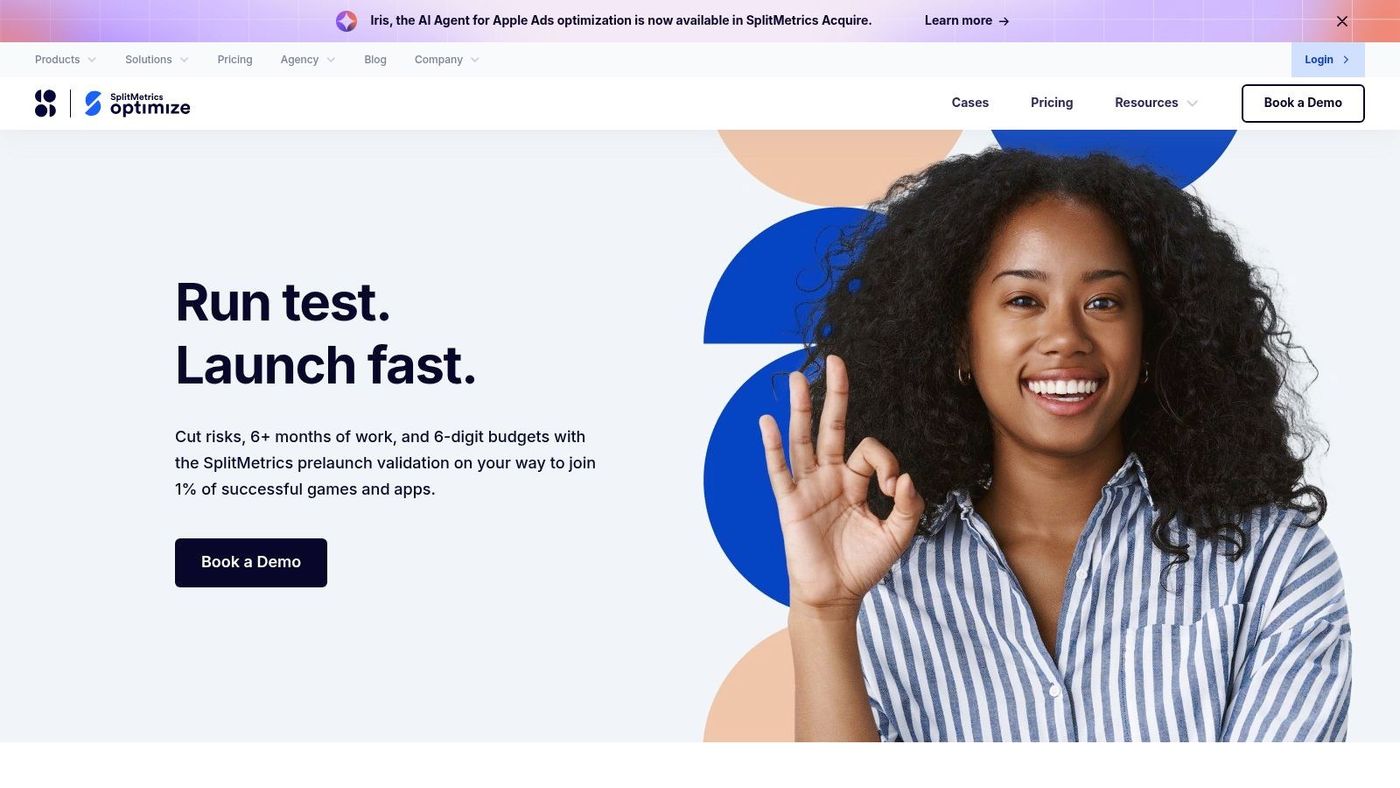
SplitMetrics Optimize is the one tool on this list that is unapologetically focused on creative experimentation. It's not trying to be your keyword database, market intelligence suite, or review inbox. It exists to help you test icons, screenshots, videos, and messaging before pushing listing changes live.
That makes it one of the most useful tools in this article if your team already has decent ASO research but keeps guessing on conversion.
Where it fits in your stack#
Use SplitMetrics Optimize when your question is, “Which creative direction should we ship?” not “Which keyword should we track?” It's best paired with another ASO platform that handles discovery and competitor analysis.
That pairing matters because ASO work usually breaks into two linked stages:
- Discovery work: What terms, use cases, and competitor angles matter most?
- Conversion work: Which creative expression of that value gets installs?
- Iteration work: Which feedback from tests and reviews should shape the next listing update?
Good ASO teams don't stop at ranking. They test whether the traffic they win actually converts.
The downside is obvious. It's not a full suite. If you buy SplitMetrics without another source of keyword and market intelligence, you'll still have a major gap in your workflow. But if your current weakness is screenshot and message validation, it can be the missing piece.
Top 10 ASO Tools, Feature Comparison#
| Product | Core features | Unique selling points | Best for | Pricing & limits |
|---|---|---|---|---|
| AppGrowKit (Recommended) | AI-driven screenshot generation from real app UI; 4 creative directions; ASO-integrated headlines & slot order; store-ready exports & localization | Authentic, ASO-first creative; unified growth workspace; fast store-ready outputs | Indie devs, ASO specialists, agencies needing authentic creative without designers | Starter $9/mo (60 renders, 3 App Growth searches); Growth $39–$49/mo (unlimited renders, ASO reports, localization); commercial rights included |
| AppTweak | Keyword research & prioritization; creatives explorer; reviews AI; reporting & API | Clear ASO workflows with AI helpers for faster research | Teams from indie to enterprise needing deep keyword & competitor tools | Modular pricing; add-ons can raise total cost; best value when consoles/modules connected |
| Sensor Tower | ASO keyword discovery & tracking; market/store intelligence; trend reports | Enterprise-grade dataset for organic & paid intelligence, ad & revenue estimates | Large studios and brands requiring broad market & UA intelligence | Sales-led pricing (not public); typically enterprise contracts |
| data.ai (App Annie) | Downloads, revenue & engagement estimates; competitive benchmarking; integrations | Broad global market sizing and monetization context beyond pure ASO | Large organizations needing deep competitive intelligence and market sizing | Enterprise pricing; sales-driven, not public |
| App Radar | Keyword discovery & tracking; listing management; localization; alerts | Straightforward UI and optional managed ASO services | SMBs and mid-market teams seeking practical listing workflows | Clear plan limits; offers SaaS tiers and managed services |
| MobileAction | Keyword tracking & competitor analysis; Apple Ads insights; self-serve & enterprise tiers | Combines organic ASO and Apple Search Ads tooling in one product | Teams managing both ASO and Apple Search Ads campaigns | Multiple plan options including lower-cost entry tiers; advanced features on enterprise plans |
| AppFollow | ASO keyword tracking; review monitoring with AI summaries; multi-store alerts | Strong reputation & customer support tooling integrated with ASO | Teams unifying ASO with customer support and review workflows | Pricing generally gated behind sales contact |
| Appfigures | First-party analytics (downloads/revenue); ranks, reviews, ASO tracking; alerts | Transparent, low starting price and free Starter option; simple all-in-one setup | Solo founders and small teams wanting affordable analytics + ASO | Low starting price; free Starter available; transparent plans |
| Asodesk | Keyword research & tracking; review management automation; API access | Competitive pricing, broad locale monitoring and alerting | Growth teams needing extensive locale tracking and alerts | Competitive tiers with frequent promotions; English docs vary by section |
| SplitMetrics Optimize | A/B testing for icons, screenshots, videos; benchmarks; integrations | Focused on CRO and pre-store creative validation | Teams validating creative variants before publishing; pairs with ASO tools |
Sales-led pricing; not a full ASO suite (meant to complement other tools)
Final Thoughts#
A familiar ASO scenario goes like this. The team sees soft conversion, scattered ratings, and weak keyword coverage, then buys the platform with the biggest feature list. Six months later, rank tracking looks cleaner, but install conversion is still held back by screenshots that do not explain the product clearly. Better tool decisions start with the constraint, then match that constraint to a workflow.
That is the practical split across this category. Creative production and testing solve a different problem than keyword research, market intelligence, or review operations. Teams that treat all of it as one buying decision usually overpay in one area and underinvest in the one blocking growth.
AppGrowKit and SplitMetrics Optimize sit on the creative side, but they solve different jobs. AppGrowKit is a fit when the team needs to turn real product UI into store assets quickly and keep screenshot updates tied to localization and messaging changes. SplitMetrics Optimize is stronger when the team already has a steady creative pipeline and needs a testing layer before rolling changes out in the store. One speeds asset production. The other reduces creative guesswork.
AppTweak, App Radar, MobileAction, Appfigures, and Asodesk are closer to weekly execution. They help with keyword research, rank tracking, competitor monitoring, and release cadence. The trade-offs are straightforward. AppTweak gives more depth and structure. App Radar is easier for smaller teams to run without much setup. MobileAction earns its keep when Apple Search Ads and ASO are managed together. Appfigures keeps cost and complexity lower. Asodesk is often the better pick for teams that care about alerts, multi-locale coverage, and review handling every day.
Sensor Tower and data.ai are a different kind of purchase. They make more sense for companies that need market sizing, category trends, publisher benchmarking, and reporting across a broader app portfolio. They can support ASO work, but they are rarely the first tool to fix a weak product page or an unclear screenshot story.
AppFollow sits in a useful middle position because review management often changes creative and metadata decisions. Keyword data shows what users search for. Reviews show whether the store promise matches the product experience. Teams that combine those signals usually write better screenshot copy, sharper update notes, and more believable positioning.
Budget decides more than feature count. Future Market Insights points to continued expansion in its app store optimization software market outlook, and Moburst notes in its guide to ASO tools and costs that pricing can rise fast at the top end of the market. That pricing gap matters. Enterprise platforms give wider datasets and stronger cross-functional reporting. Smaller or specialist tools often produce better ROI for lean teams because they solve one bottleneck without adding extra process.
The strongest ASO setups connect metadata, screenshots, testing, and review analysis into one operating loop.
If ranking visibility is the main issue, start with research and tracking. If conversion is lagging, start with creative production and testing. If localization, reviews, or release coordination are slowing the team down, start with workflow and monitoring. Add the next layer after the current bottleneck is under control.
Stop reading. Start ranking.
AppGrowKit takes everything in this article and runs it for you: keyword research, live ranks, conversion-focused screenshots, and market intel. Free to start.