10 Best Mobile App Marketing Tools for 2026
Explore the top mobile app marketing tools for ASO, attribution, and creative. Our 2026 guide covers pricing, use cases, and how to build the right stack.
On this page
- 1. AppGrowKit
- Why AppGrowKit fits early and lean teams
- A practical workflow with AppGrowKit in your stack
- 2. AppTweak
- Where AppTweak works best
- 3. SplitMetrics
- When SplitMetrics earns its cost
- 4. Geeklab
- Best use case for Geeklab
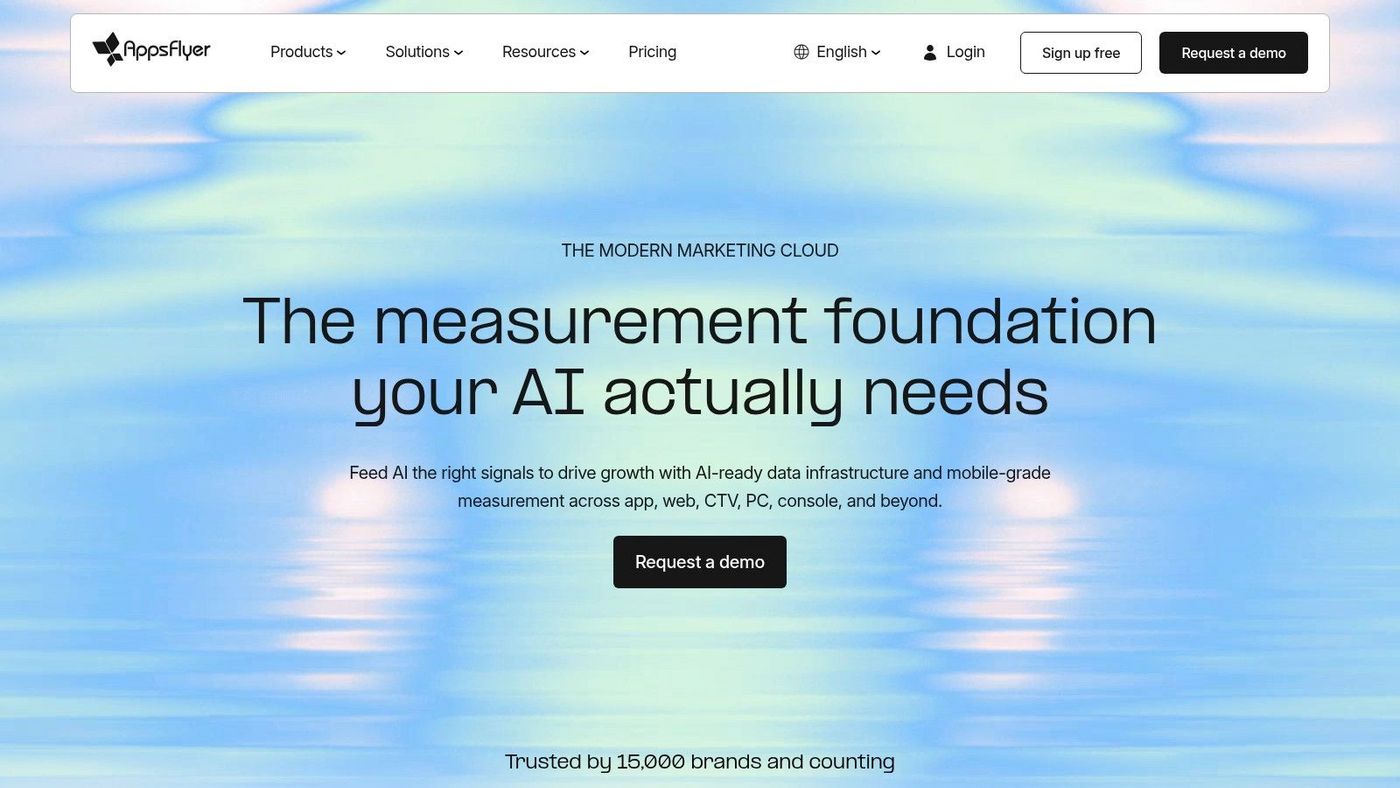
- 5. AppsFlyer
- Why teams standardize on an MMP
- 6. Adjust
- Where Adjust stands out
- 7. Branch
- Why deep linking changes conversion paths
- 8. Sensor Tower
- Where competitive intelligence pays off
- 9. OneSignal
- Why OneSignal is often the first lifecycle tool
- 10. Braze
- When Braze makes sense
- Top 10 Mobile App Marketing Tools Comparison
- Beyond the Tools A Mindset for Growth
Your App Is Built. Now, How Does It Grow?
You launched the app. The core loop is solid, bugs are managed, and the roadmap is clear. Then the harder part starts. You open the App Store or Google Play, search your category, and realize you're not competing with a handful of apps. You're competing with millions of listings, paid acquisition pressure, weak retention, and teams that already have mature systems in place.
That's why mobile app marketing tools matter. They aren't just random point solutions for attribution, screenshots, push, or keyword tracking. The useful ones work together as a stack. One tool helps you shape the store page, another tells you where installs came from, another keeps users engaged after install, and another helps you understand what competitors are doing before you waste a sprint on the wrong experiment.
The backdrop is hard to ignore. Global app downloads reached 218 billion in 2024 and were projected to rise to 255 billion in 2025, with global app revenue forecast at $190 billion in 2025, according to mobile app market statistics compiled here. At the same time, retention is fragile. Day-1 retention is often around 21%, falling to roughly 2% by day 30 in the same industry summary. That means growth teams can't afford disconnected tooling or guesswork.
This guide gets to the point. These are the mobile app marketing tools I'd consider as building blocks in a practical stack, and how they fit together.
1. AppGrowKit#
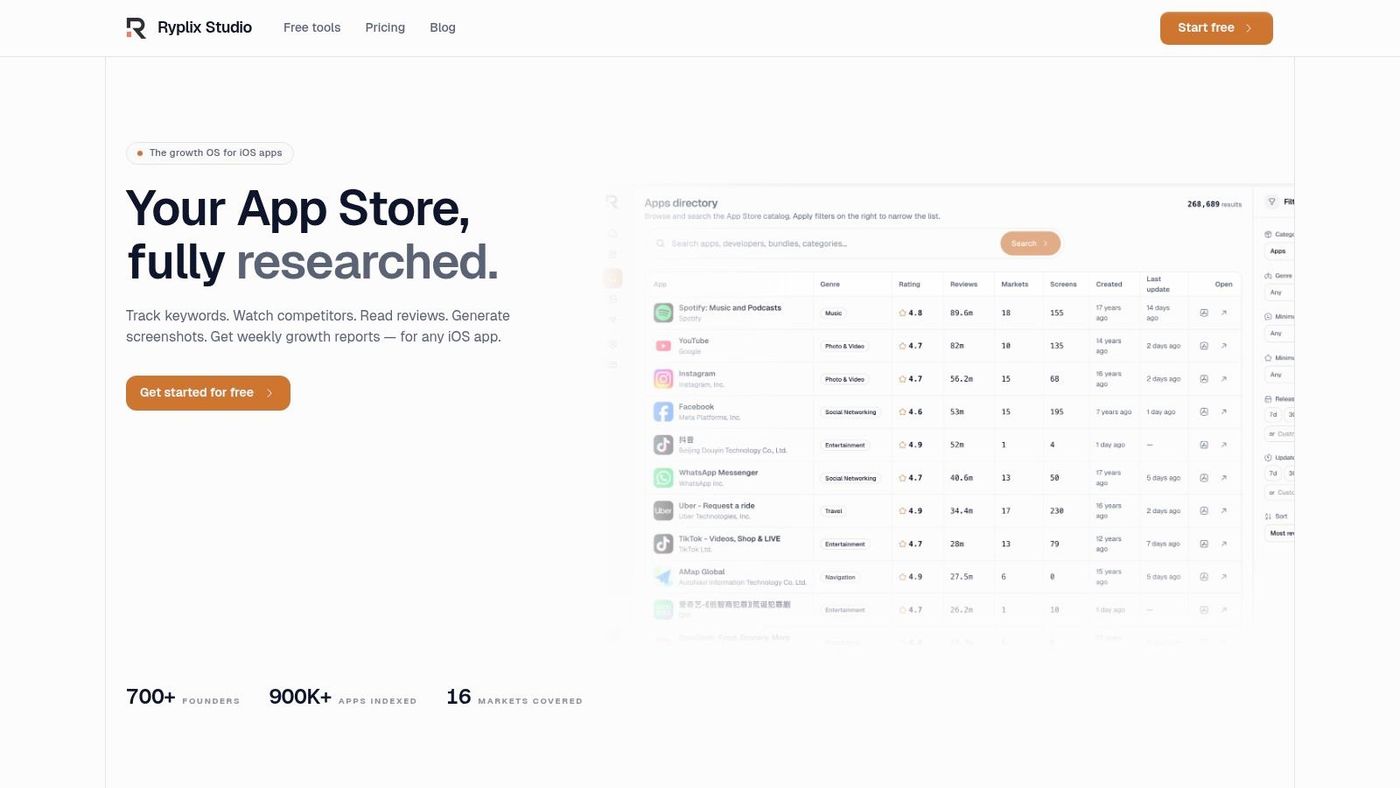
Launch week often exposes a stack problem that started much earlier. The team has attribution ready, analytics wired up, and push flows planned, but the App Store or Google Play page still does a weak job explaining why the app is worth installing. AppGrowKit is built for that gap. It helps teams turn real product screens into store assets that match the product and support conversion.
That matters because store-page creative is not a side task. It sits at the point where paid traffic, organic discovery, and user intent meet. A broader industry discussion on mobile app marketing tools also points back to the product page as the place where screenshot direction, localization, and listing clarity shape conversion outcomes in practice, as summarized by Dot Com Infoway in its roundup of mobile app marketing tools.
Why AppGrowKit fits early and lean teams#
AppGrowKit works well for small teams that need speed without drifting into generic creative. It analyzes actual app screens, identifies strong product moments, and turns them into screenshot sets based on what users will really see after install. That trade-off matters. A polished screenshot set can still underperform if it promises an experience the app does not deliver.
The more useful angle is how AppGrowKit fits into a stack, not how it performs as a standalone design tool. It brings screenshot generation, keyword context, competitor tracking, review signals, and growth reporting into one place, so the person working on ASO is not bouncing between design files, store listings, and spreadsheets all day. Teams comparing options in the broader app store optimization tools category will notice that this tighter workflow is part of the value.
Practical rule: If screenshot copy, localization, and keyword decisions live in separate tools with no shared workflow, your marketing stack is already creating avoidable friction.
AppGrowKit also covers the execution details teams usually discover late. It exports store-ready sizes, including 1290×2796 iPhone portrait assets, supports iPad variants, and localizes sets in 12+ languages. Pricing stays accessible for early-stage teams, with a free entry tier and paid plans that start low enough to test the workflow before making it part of the operating stack.
A practical workflow with AppGrowKit in your stack#
A lean mobile team can use AppGrowKit as the creative and ASO starting point, then layer specialized tools around it as the app grows.
A common workflow looks like this: pull in real UI screens, generate several screenshot directions in AppGrowKit, align the copy with target keyword themes, and publish updated creatives by market. Then use an ASO platform such as AppTweak to monitor ranking shifts and competitor movement. After that, use an MMP like AppsFlyer or Adjust to check whether the new page is bringing in better users, not just more installs. If those users stall after install, pass them into OneSignal or Braze for onboarding and re-engagement.
Each tool answers a different question. AppGrowKit handles what the store page should show and say. The ASO layer checks whether discoverability and conversion signals move. Attribution tools verify install quality by source. Lifecycle tools deal with retention after the install.
The main limitation is output volume. Credit-based plans can feel restrictive for agencies or teams shipping creative tests across many apps and locales. AppGrowKit also presents itself primarily through an iOS-first lens, even though it supports Android asset creation too. For early teams, that is usually acceptable. For larger cross-platform programs, it is worth checking how well the workflow matches your testing pace before you commit.
2. AppTweak#
AppTweak is the kind of ASO platform that becomes useful fast because it doesn't make basic workflow tasks feel buried. Keyword research, tracking, metadata work, competitor analysis, ratings and review management, and market intelligence are all there in a UI that most mobile marketers can learn without a long onboarding cycle.
If your current ASO process still lives in spreadsheets, AppTweak usually feels like a clean upgrade rather than a full re-architecture.
Where AppTweak works best#
AppTweak is a good fit for teams that already know ASO is a daily operating function, not a one-time launch task. It helps when you need to monitor keyword movement, compare against nearby competitors, tune metadata, and keep review signals visible without buying into a broader enterprise intelligence platform too early.
There's another practical reason ASO tools like this matter. Mobile analytics guidance consistently points teams toward full-funnel metrics such as DAU, MAU, the DAU/MAU ratio, attribution, installs, conversion rates, push response, cart abandonment, and session length, showing how app marketing has moved far beyond simple download counting, as explained in this mobile analytics overview. AppTweak fits the part of that stack focused on store discovery and listing performance.
If you're comparing platforms in this category, AppGrowKit's roundup of the best app store optimization tools is also worth scanning because it frames where dedicated ASO tools differ from creative-first workflows.
- What it does well: Straightforward onboarding, practical UI, and day-to-day keyword and competitor work.
- Where to be careful: Lower self-serve tiers have tighter limits, and search volume data is modeled, which is true across ASO platforms.
- Who gets the most value: Solo operators, mobile growth marketers, and app teams building a repeatable ASO process.
AppTweak isn't the tool I'd pick first for creative generation. It's the tool I'd pick when the team already has assets and now needs disciplined ASO operations.
3. SplitMetrics#
SplitMetrics sits at the intersection of store conversion optimization and Apple Search Ads execution. That combination is valuable because too many teams separate page testing from acquisition management, even though the two affect each other every day.
If you buy traffic to a weak product page, you don't have a channel problem. You have a conversion problem.
When SplitMetrics earns its cost#
SplitMetrics Optimize is useful when you want to test icons, screenshots, videos, and messaging in store-like environments before rolling changes out more broadly. SplitMetrics Acquire adds Apple Search Ads automation, reducing manual work around bids, keywords, and campaign tuning.
This matters in a category where paid install economics are already large and competitive. EMARKETER projects U.S. mobile app install ad spending will reach nearly $24 billion, representing just over 12% of all mobile ad spending and 15% of in-app mobile ad spending, according to this mobile and app ad spending reference. When budgets reach that scale, conversion-rate friction on your store page becomes expensive.
Store tests are most valuable when they prevent you from scaling the wrong page with paid traffic.
SplitMetrics is strongest for teams already running serious Apple Search Ads motion. If your growth engine leans heavily on Apple inventory, the workflow connection between testing and acquisition is compelling.
A few trade-offs are real:
- Pricing friction: Many packages are custom and require sales contact.
- Testing reality: Off-store tests still require enough traffic or media support to produce useful signal.
- Best-fit stage: Growth-stage teams and established apps generally get more from it than brand-new launches with minimal traffic.
SplitMetrics is not lightweight. But if you've reached the point where screenshot order, message framing, and paid search automation all affect CAC, it starts to make sense quickly.
4. Geeklab#
Geeklab is narrower than SplitMetrics, and that's exactly why some teams like it. It focuses on testing product page assets before you commit them live, without turning the tool into a full ASO or ad-buying platform.
That focus makes it useful when your real bottleneck is simple: “We have three screenshot concepts and no confidence about which one will land.”
Best use case for Geeklab#
Geeklab works well for pre-deployment validation. You can test icons, screenshots, videos, and copy on store-like landing pages, then layer in surveys for qualitative feedback. That helps when your team lacks in-store testing slots, wants prelaunch signal, or doesn't want to ship creative changes blind.
I'd use Geeklab in a situation like this. A subscription app has one screenshot concept focused on emotional outcome and another focused on product mechanics. Before updating the live listing, the team drives controlled traffic to both variants, watches how visitors behave, and uses survey responses to understand why one concept feels clearer.
- Good fit: Early tests for visual concepts, icon changes, and messaging before release.
- Less ideal: Broader ASO programs that also need keyword research, reviews workflows, and competitive monitoring.
- Operational catch: You still need traffic. No creative testing platform can manufacture significance without audience volume.
Geeklab's biggest strength is speed. You can set up tests quickly and learn before your store page becomes the experiment. Its biggest limitation is also obvious. Once you need attribution, ASO ops, lifecycle messaging, or paid campaign automation, Geeklab has done its part and another tool has to take over.
5. AppsFlyer#
AppsFlyer is one of the default answers when teams ask which MMP should anchor their stack. That's not because it does everything. It's because attribution sits in the middle of everything else, and AppsFlyer connects with a very broad ecosystem.
If you spend across multiple networks, run web-to-app journeys, care about fraud, and need data your BI team can reconcile, AppsFlyer is usually on the shortlist.
Why teams standardize on an MMP#
At some point every app team learns the same lesson. Platform-reported numbers don't line up neatly, especially once privacy rules, SKAN, and mixed channel journeys enter the picture. An MMP gives you a neutral measurement layer for installs and post-install events, plus raw data exports, fraud controls, and partner integrations.
That becomes even more important in a fragmented post-ATT environment. Singular's 2025 guidance explicitly recommends diversifying ad spend beyond the biggest platforms because independent and regional networks can uncover new audiences and geos, as discussed in this mobile app marketing strategy trends article. Once you diversify, attribution quality matters more, not less.
AppsFlyer is especially strong when you need:
- Install and event attribution across networks: One place to compare paid sources.
- Privacy-era support: SKAN and Android Privacy Sandbox workflows.
- Deep linking and owned journeys: Better handoff from web, email, and other channels into the app.
- BI reconciliation: Rich exports for serious data teams.
The trade-off is complexity. Small teams can get buried in setup, event mapping, naming discipline, and reporting logic if nobody owns the instrumentation properly.
Don't buy an MMP before you're ready to define events cleanly. A messy event taxonomy will make every dashboard less trustworthy.
AppsFlyer is rarely the first tool I'd buy for an indie launch. It's one of the first I'd buy once paid acquisition becomes material and channel comparison needs to be real.
6. Adjust#
Adjust competes in the same broad category as AppsFlyer, but some teams prefer it because of its anti-fraud depth, enterprise controls, and modular approach. If your app operates in channels or geographies where fraud risk is a constant concern, Adjust tends to become more attractive.
This isn't a glamour tool. It's an operations tool. That's why it matters.
Where Adjust stands out#
Adjust handles core attribution, privacy-era measurement, fraud prevention, audiences, automation, and BI connectivity. The fraud layer is where many teams focus first. Click injection, SDK spoofing, and other low-quality behaviors can distort channel decisions if you don't have a reliable filter in place.
Its modular setup is useful when enterprise teams want more control over what they add and when. That also means quote-based pricing and add-on structure can feel heavy for smaller apps that just want a simple answer and fast implementation.
I'd lean toward Adjust when:
- Fraud risk is a board-level issue: Especially with mixed network quality.
- The team has technical support: Implementation and event governance need real ownership.
- You want modular controls: Rather than an all-in-one promise that hides actual dependencies.
Adjust isn't a creative or engagement tool, and it shouldn't be judged like one. Its job is to protect measurement integrity and make acquisition decisions less fuzzy. If your stack is already broad and paid spend is diversified, that job gets more important fast.
7. Branch#
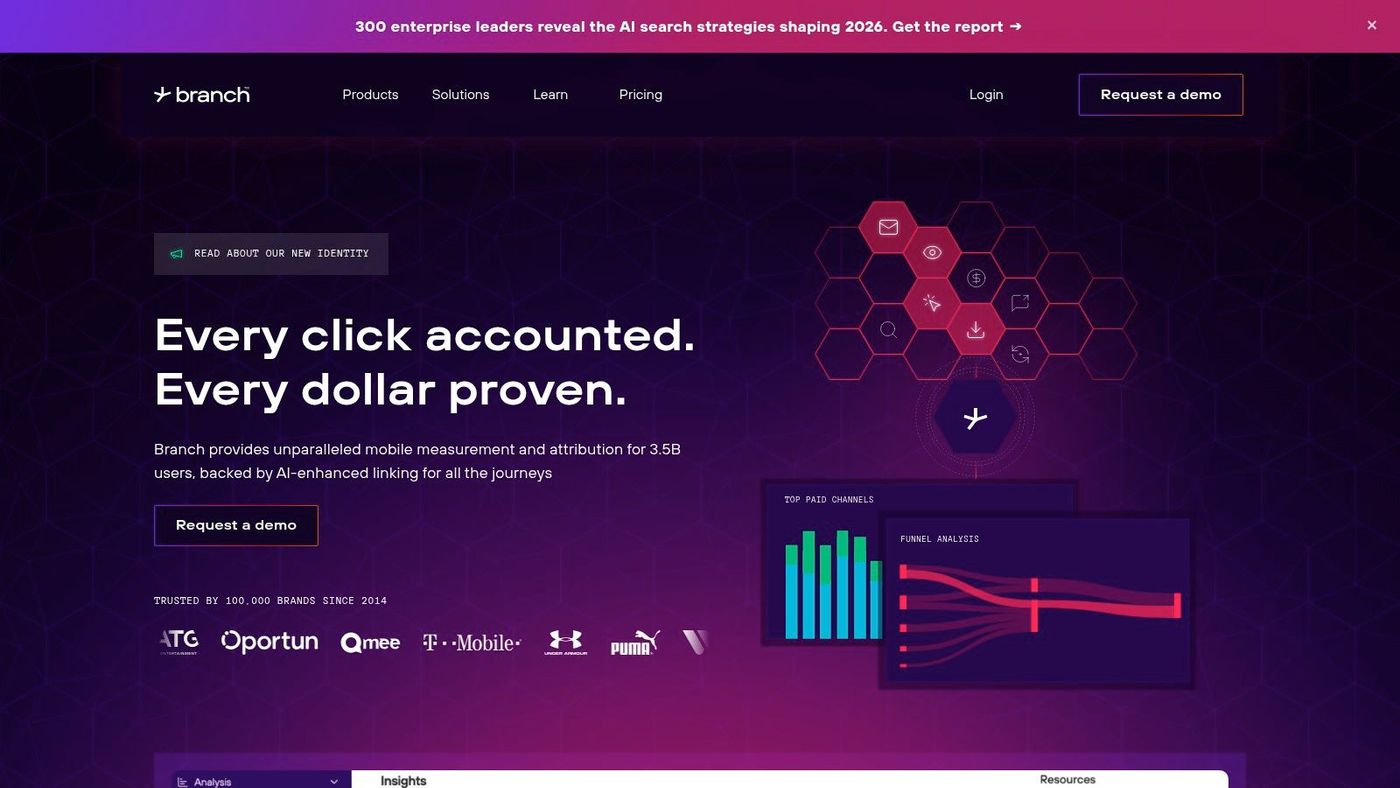
Branch is the tool you appreciate once you've had enough broken app links, poor handoffs between channels, or messy user journeys from web and email into the app. Deep linking sounds infrastructural because it is, but it has direct growth impact.
Users don't care whether your routing logic is elegant. They care whether the tap takes them where they expected to go.
Why deep linking changes conversion paths#
Branch helps teams manage deep links across paid, owned, and organic channels while supporting privacy-aware attribution and governance at scale. That matters when email, social, landing pages, referral links, and web content all need to send people into the right in-app destination.
Here's a simple use case. A user clicks a promotional email for a premium feature. Without good deep linking, they may land on the app home screen, get confused, and bounce. With Branch, the team can send that user directly to the relevant screen or deferred destination after install.
- Best fit: Apps with serious owned-channel motion, referral systems, content loops, or cross-platform journeys.
- Big advantage: Link governance, templates, and metadata handling at scale.
- Main drawback: Advanced capabilities often sit behind higher-tier pricing and require solid implementation.
Branch is not a substitute for an MMP, ASO suite, or lifecycle platform. It's the connective tissue between touchpoint and destination. Teams that ignore that layer often end up blaming creative or product when the actual issue is the path itself.
8. Sensor Tower#
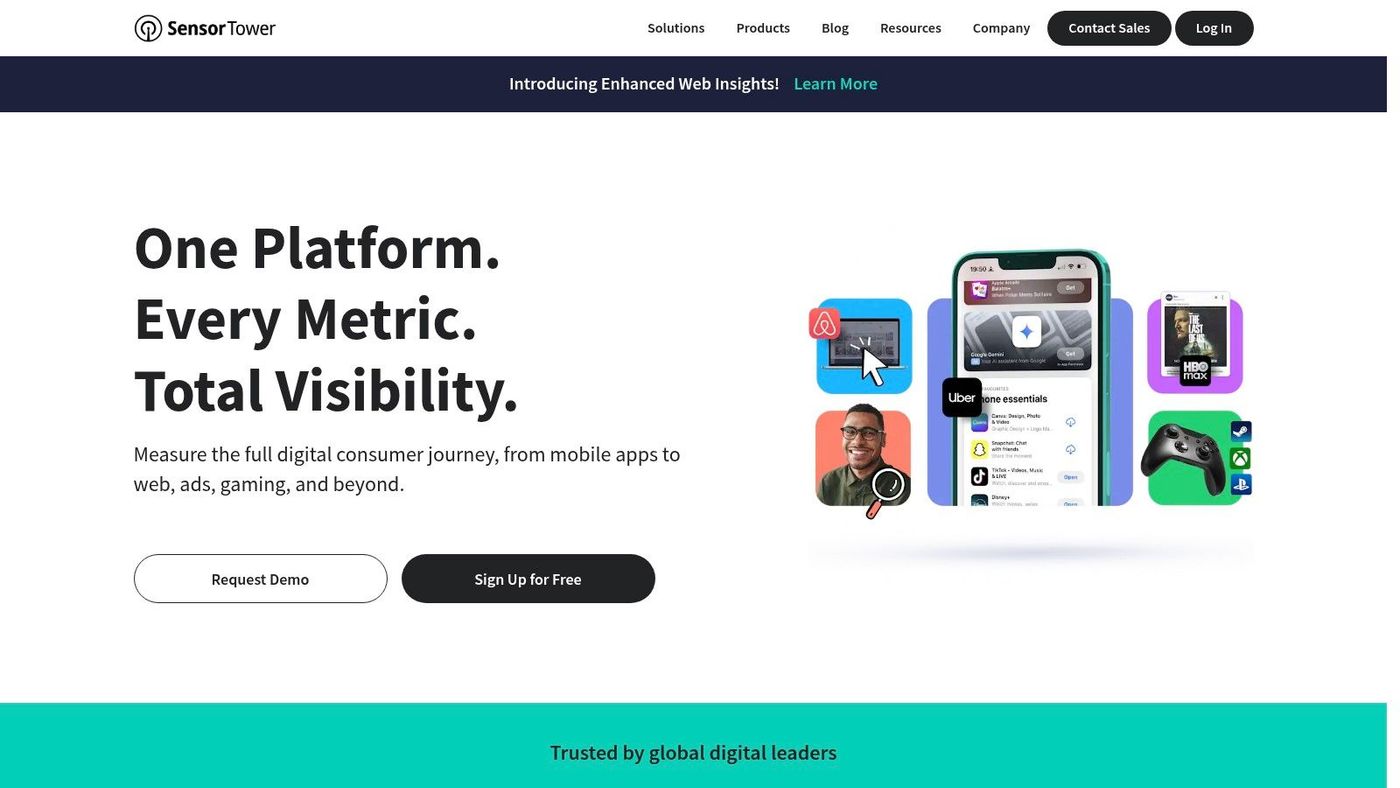
Sensor Tower is less about operating your app day to day and more about understanding the market you're operating in. That distinction matters. Some tools tell you what happened inside your campaigns. Sensor Tower helps you decide which categories, competitors, keywords, and markets deserve attention before you commit resources.
For strategy work, it's one of the more useful intelligence platforms in the category.
Where competitive intelligence pays off#
Sensor Tower offers cross-platform intelligence across downloads, revenue, usage, ad creatives, ad spend, ASO visibility, and category benchmarking. Teams use it to study adjacent competitors, estimate where demand is building, and understand how the creative market environment is shifting around them.
That matters even more as AI usage rises inside mobile marketing workflows. Sensor Tower sourced figures compiled by Digital Applied report that 62% of advertisers are using AI-generated creative variants, 78% are using machine learning for dynamic audience optimization, 57% are using ML-driven push send-time optimization, and 41% are using AI-powered content re-ranking personalization, according to this mobile marketing statistics roundup. If your competitors are iterating faster, competitive intelligence and creative response need to tighten up.
For teams focused on discoverability, AppGrowKit also has a practical walkthrough on app store keyword research that pairs well with a broader intelligence layer like Sensor Tower.
Competitive research is most useful before a roadmap meeting, not after a campaign disappoints.
The downside is clear. Sensor Tower often sits at enterprise pricing and can be overkill for a founder managing a handful of locales. But for larger teams, publishers, and agencies, it helps answer questions point solutions can't.
9. OneSignal#
OneSignal is often the first lifecycle messaging tool I'd recommend because it gets teams moving without forcing an enterprise implementation. Push, in-app, email, and SMS can live in one place, and the setup is usually manageable for indie and mid-market apps.
That's important because acquisition without retention is just an expensive treadmill.
Why OneSignal is often the first lifecycle tool#
OneSignal gives teams a quick path to lifecycle basics: segmentation, journey building, cross-channel messaging, analytics, and exports. If your app has reached the point where installed users need nudges to finish onboarding, return to complete a task, or reactivate after dropping off, OneSignal is a pragmatic first step.
The standard mobile toolkit now spans acquisition, analytics, engagement, and KPI measurement across the funnel. DAU and MAU remain foundational metrics, with the DAU/MAU ratio serving as a stickiness signal, and teams also watch install attribution, conversion rates, push response, cart abandonment, and session length in performance-focused workflows, as noted earlier in the Fullstory overview. OneSignal plugs into the engagement side of that stack cleanly.
A common pattern looks like this:
- New install: Trigger onboarding messages if a user doesn't complete setup.
- Early value moment: Send a push when a feature is ready, a reward becomes available, or content refreshes.
- Reactivation: Email or push dormant users with relevant prompts tied to prior behavior.
OneSignal's strengths are speed, documentation, and a generous entry path. The trade-off is pricing expansion as MAU grows and the fact that some advanced governance, support, and retention features sit in higher tiers.
For many teams, that's still a good trade. Better to build lifecycle habits early than wait for a larger platform you aren't ready to use well.
10. Braze#
Braze is what a mature engagement stack looks like when the app has enough complexity to justify serious orchestration. It's not for everyone, and that's fine. Early-stage apps often buy too much software too soon.
Braze makes sense when the messaging problem is no longer “How do we send pushes?” but “How do we coordinate personalized journeys across channels, products, cohorts, and experiments?”
When Braze makes sense#
Braze is built for real-time data activation, journey orchestration, experimentation, and cross-channel personalization at enterprise scale. Push, in-app, email, SMS, and other touchpoints can be coordinated through complex logic and segmentation layers that smaller platforms usually can't match.
I'd consider Braze when several conditions are true at once:
- You have multiple lifecycle paths: New users, subscribers, churn risks, power users, and lapsed cohorts all need distinct treatment.
- You have a data team or strong technical support: Implementation and event quality matter.
- You're ready to operationalize testing: Not just send campaigns, but learn systematically across them.
Braze's upside is depth. Its downside is the same. It takes time, resources, and process maturity to use well. For smaller teams, OneSignal often gets you further than you'd expect before the complexity wall appears.
Braze is a great example of why “best mobile app marketing tools” is the wrong framing unless you add context. The best tool for a team with one marketer and one product designer is rarely the same as the best tool for a scaled subscription app with CRM specialists and regional growth managers.
Top 10 Mobile App Marketing Tools Comparison#
| Product | ✨ Core focus / USP | ★ Quality | 👥 Target audience | 💰 Pricing / Value |
|---|---|---|---|---|
| AppGrowKit 🏆 | AI-first ASO + screenshot generator that analyzes real UI, 4 creative directions, store-ready exports | ★★★★★, ASO-integrated creative + growth tools | Solo founders, ASO specialists, product teams, agencies | 💰 Starter $9/mo (60 renders), Pro $19, Growth ~$39; monthly/annual, cancel anytime |
| AppTweak | ASO suite: keyword research, tracking, metadata & competitor insights | ★★★★☆, practical, widely used | ASO specialists, growth teams, SMBs | 💰 Self-serve tiers, clear pricing, 7‑day trial |
| SplitMetrics (Optimize + Acquire) | Off-store product-page A/B testing + Apple Search Ads automation (AI agent) | ★★★★☆, mature CRO & ads automation | CRO teams, paid acquisition/UA teams | 💰 Custom/quote pricing; needs traffic/media to power tests |
| Geeklab | Fast store-like A/B tests + surveys for pre-deployment creative validation | ★★★★☆, focused, low-friction testing | Indie teams, PMs, marketers wanting prelaunch validation | 💰 Usage/traffic-dependent pricing; demo/quote |
| AppsFlyer | MMP for attribution, SKAN/Privacy Sandbox, fraud protection, raw data exports | ★★★★★, enterprise-grade measurement & integrations | Growth teams, enterprises needing broad partner support | 💰 Conversion-based billing; custom enterprise pricing |
| Adjust | Attribution + fraud prevention, audiences, automation & BI connectors | ★★★★☆, strong anti-fraud & enterprise controls | Enterprises, fraud-sensitive apps, advanced analytics teams | 💰 Quote-based; modular add-ons (Fraud, incrementality) |
| Branch | Deep linking, link management at scale, cross-channel attribution & owned-channel tooling | ★★★★☆, best-in-class deep links & routing | Teams needing enterprise deep links and link governance | 💰 Quote-based; can be costly at scale |
| Sensor Tower | Market intelligence: downloads, revenue, usage, ad creative & spend, ASO insights | ★★★★★, broad, vetted dataset for market sizing | Market researchers, enterprises, publishers | 💰 Enterprise/demo pricing; quote-based |
| OneSignal | Unified messaging (push, in-app, email, SMS), segmentation, journeys, generous free tier | ★★★★☆, fast SDK & easy setup | Indie to mid-market apps, growth teams | 💰 Free tier; MAU-based paid plans that scale with usage |
| Braze | Enterprise journey orchestration, real-time activation, BrazeAI & personalization | ★★★★★, powerful orchestration at scale | Large consumer brands, enterprise marketers | 💰 Quote-based enterprise pricing |
Beyond the Tools A Mindset for Growth#
A strong stack helps, but tools don't create growth on their own. Teams do. The pattern that works is boring in the best way: research what users care about, ship a clear store message, measure what happened, and iterate before opinions harden into dogma.
That's especially important in mobile because each layer affects the next. Weak screenshots hurt paid efficiency. Weak attribution makes channel decisions fuzzy. Weak messaging after install wastes the users you paid to acquire. A good stack reduces those gaps, but only if the team uses it as a connected system instead of a pile of subscriptions.
In practice, I'd build the stack in stages.
Start with store clarity. If the app page doesn't explain the product well, fix that first with a tool like AppGrowKit or a dedicated testing setup like Geeklab or SplitMetrics. Don't rush into bigger acquisition programs while the page still underperforms, because paid traffic will magnify that problem.
Then establish measurement. Once you're spending seriously across channels, an MMP like AppsFlyer or Adjust becomes the source of truth that prevents platform-by-platform storytelling from driving budget decisions. If owned channels matter, Branch becomes part of that system because journey quality matters as much as source quality.
After that, invest in retention. OneSignal is often enough to build healthy lifecycle habits for smaller teams. Braze becomes the right answer when the user base, segmentation logic, and campaign volume justify a more advanced operating model.
Competitive intelligence and ASO discipline sit across all stages. AppTweak helps teams run the day-to-day ASO machine. Sensor Tower helps teams zoom out, spot shifts in the market, and avoid building strategy around internal assumptions. Both matter, just in different ways.
The biggest mistake I see is buying tools based on category prestige instead of current bottlenecks. A founder with poor screenshots and no messaging strategy doesn't need an enterprise orchestration suite. A scale-up with mixed network spend and weak attribution probably doesn't need another design tool first. The stack should match the problem in front of you.
The durable mindset is simple. Pick the next constraint. Fix it with the smallest stack addition that gives you a real operating advantage. Learn the workflow thoroughly. Then move to the next constraint.
That's how apps stop treating growth like a launch task and start treating it like a system.
If your biggest gap is still the store page, AppGrowKit is one of the fastest ways to close it. It helps mobile teams turn real app UI into store-ready screenshots, connect creative choices to ASO inputs, localize assets, and keep growth signals in one workspace instead of scattered across tools. For solo founders, indie teams, and marketers who need better listing assets without adding design headcount, it's an easy place to start.
Stop reading. Start ranking.
AppGrowKit takes everything in this article and runs it for you: keyword research, live ranks, conversion-focused screenshots, and market intel. Free to start.