10 Best App Store Optimization Tools for 2026
Find the best app store optimization tools for your needs. Compare 10 top ASO platforms for keyword research, creative generation, and rank tracking.

On this page
- 1. AppTweak
- Why AppTweak works well for most teams
- 2. MobileAction
- Where MobileAction stands out
- 3. App Radar
- Best fit for execution-focused teams
- 4. ASOdesk
- Why budget-conscious teams pick ASOdesk
- 5. AppGrowKit
- Best use cases for AppGrowKit
- 6. SplitMetrics Optimize
- Where SplitMetrics Optimize fits
- 7. Sensor Tower
- 8. data.ai formerly App Annie
- When data.ai makes sense
- 9. AppFollow
- Best for review-heavy operations
- 10. Gummicube DATACUBE and SPLITCUBE
- Who should choose Gummicube
- Top 10 ASO Tools, Features & Performance Comparison
- Your Next Move in App Store Optimization
Your app is live, the team shipped the release, and installs still feel stuck. You tweak the title, swap screenshots, watch a few rank changes, and then realize the underlying problem isn't effort. It's that your ASO workflow is fragmented. One tool tracks keywords, another helps with reviews, a third handles creative testing, and none of them fully connect discovery to conversion.
That's why choosing among the best app store optimization tools matters more than many expect. App Store Optimization tools have become indispensable for mobile developers, with platforms like Sensor Tower and AppTweak highlighted in this 2026 ASO tools overview for keyword tracking, competitor analysis, and broader market visibility. But a tool only helps if it matches the job you're trying to do.
Generally, that job falls into one of three buckets. You need an all-in-one platform to manage day-to-day ASO. You need enterprise intelligence to size markets and watch competitors. Or you need a creative and conversion specialist because traffic isn't the issue, your listing isn't converting. This guide is built around those roles so you can choose faster and avoid paying for dashboards you won't use.
1. AppTweak#
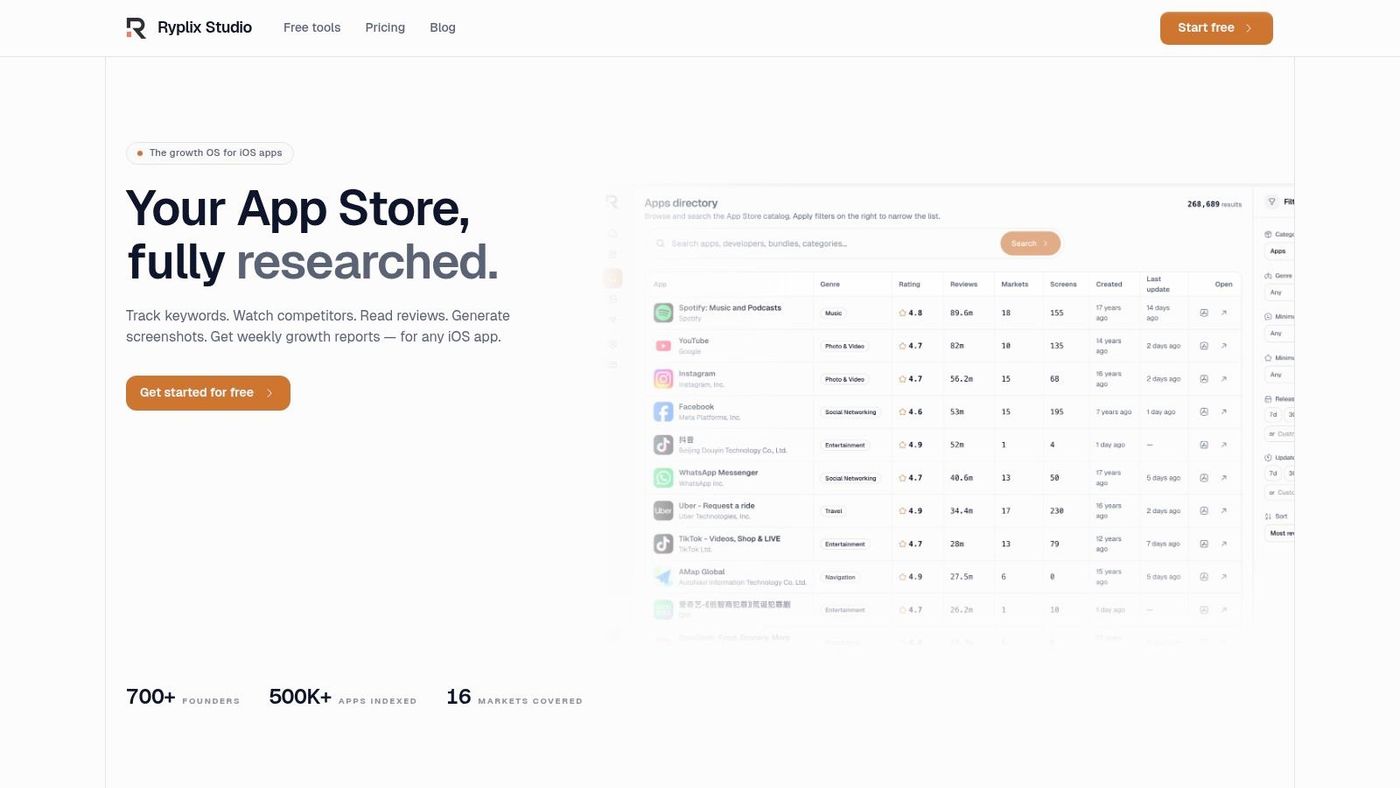
AppTweak is one of the safest recommendations if you want a mature ASO platform that doesn't feel locked behind enterprise complexity. It covers the work teams typically perform every week: keyword research, ranking checks, competitor monitoring, review analysis, and reporting.
What makes it useful in practice is coverage. AppTweak's Atlas AI monitors more than 3 million words daily in app stores, according to Try Astro's discussion of the ASO ecosystem, which helps explain why teams use it for keyword suggestions, optimization scoring, and ongoing listing refinement. If you're running ASO across several countries, that breadth matters because weak keyword coverage creates blind spots fast.
Why AppTweak works well for most teams#
A product manager or growth lead can use AppTweak without needing a dedicated analyst. The interface is built for self-serve work, and that matters when ASO sits between product, growth, and design rather than fully owned by one specialist.
A few practical strengths stand out:
- Keyword operations stay organized: You can track opportunities by country and store, then turn that into a repeatable metadata workflow.
- Competitor monitoring is usable: It's easier to spot category shifts, seasonality, and listing changes without exporting everything into a separate BI stack.
- Reporting is ready for teams: Reporting Studio and CSV export help when founders want snapshots and operators want raw data.
If you're still building your process, pair a platform like this with a practical app store optimization checklist so your team doesn't only chase rankings while ignoring conversion assets.
Practical rule: AppTweak is strongest when one team owns keyword strategy and needs reliable day-to-day execution, not just executive dashboards.
The trade-off is familiar. If you want heavier download and revenue estimation, you'll likely need added modules. Growing teams can also outgrow entry-tier limits faster than expected.
2. MobileAction#
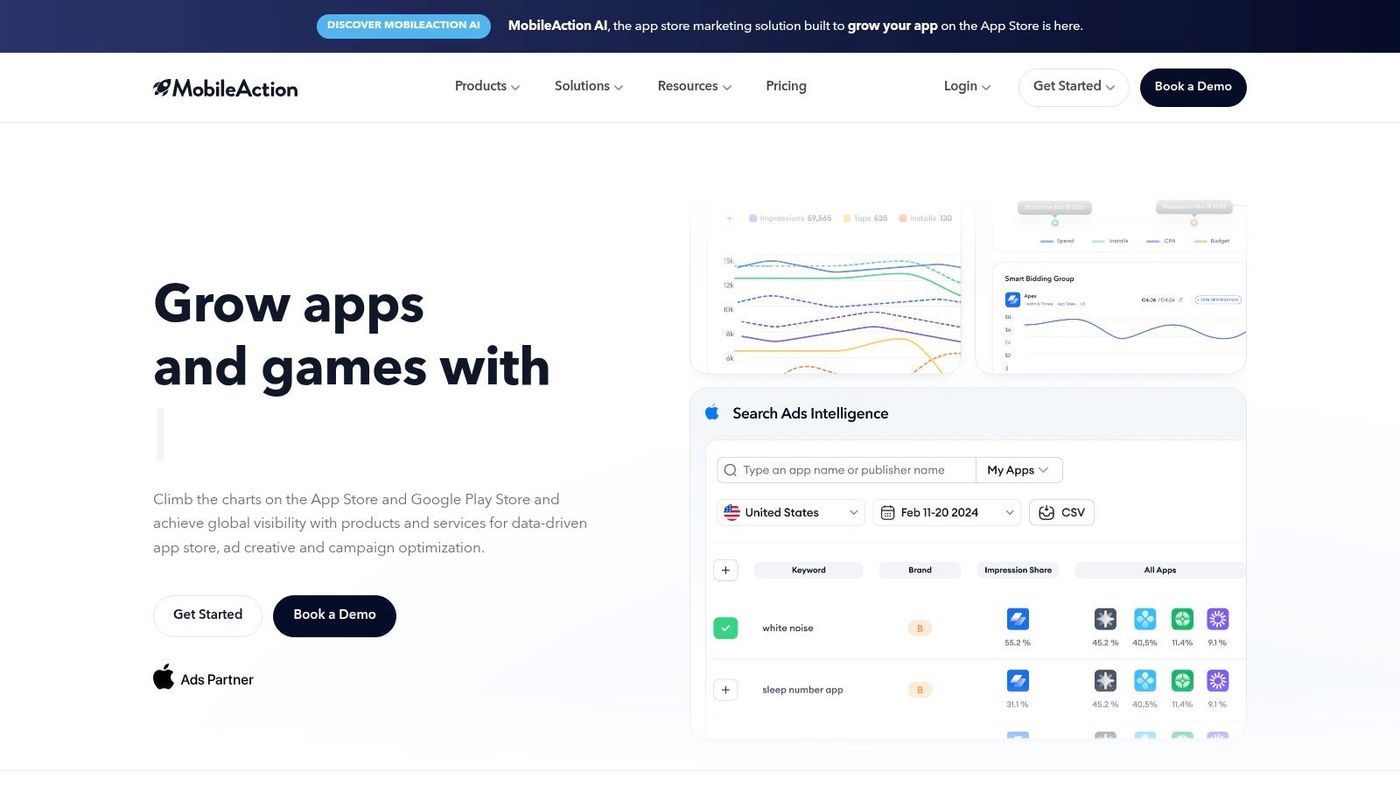
MobileAction is a strong pick when you want ASO and Apple Search Ads living close together. That combination is more useful than it sounds because keyword decisions in isolation often miss how paid and organic performance influence each other.
Its pitch is straightforward. You get keyword research and tracking, creative exploration, competitor metadata analysis, funnel views, review sentiment tooling, and Apple Ads management in one platform. For small and mid-sized teams, that's a compelling spread without forcing a full enterprise contract.
Where MobileAction stands out#
This is the tool I'd shortlist if your team asks questions like these every week:
- Which keywords deserve metadata slots right now
- Which competitors changed creatives or messaging
- Which paid terms should inform organic listing updates
That workflow becomes more useful if your team already has a solid app store keyword research process and needs software that turns research into action.
MobileAction is also one of the easier platforms to justify for SMB budgets because its entry point is comparatively accessible. That said, you should evaluate support quality and data depth yourself if you're planning to scale into heavier market intelligence use.
Paid and organic teams usually drift apart first in tooling, then in strategy. MobileAction is valuable when you want those conversations back in one place.
The trade-off is that some advanced intelligence layers aren't as deep as larger enterprise suites. If you're a publisher making high-stakes investment decisions across many markets, you may want broader competitive data than this category of tool typically provides.
3. App Radar#
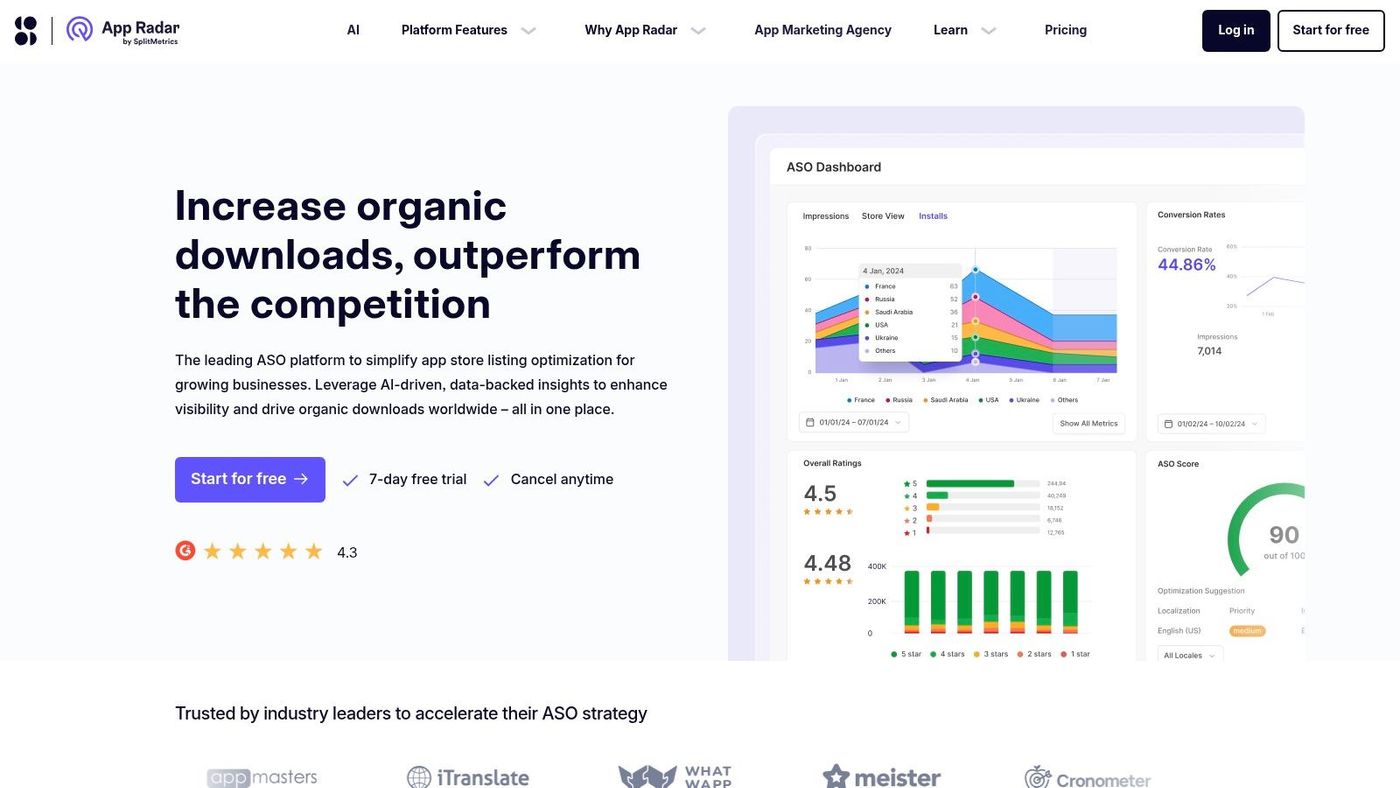
App Radar fits the team that spends Monday updating metadata, Tuesday checking competitor changes, and every other day replying to reviews before ratings slip. If your ASO process is operational, not just analytical, this tool makes sense.
It sits in the all-in-one platform bucket. The appeal is simple: keyword tracking, competitor monitoring, listing updates, review workflows, and chart visibility live in one system. For founders, growth leads, and app marketers who do not want a fragmented stack, that saves time and reduces handoff friction.
Best fit for execution-focused teams#
App Radar is strongest for small teams that need to keep the store listing moving every week. It supports the actual work of ASO, not just reporting on it after the fact.
A few practical strengths stand out:
- Clear pricing structure: App, keyword, and seat limits are usually easier to understand than in heavier platforms.
- Built-in review handling: Useful if the same team owns growth and customer feedback.
- Localization workflows: Helpful for apps expanding into multiple languages without adding a separate localization tool first.
That combination makes App Radar a sensible choice for teams in the early to mid stage of ASO maturity. You can research terms, monitor shifts, update listings, and stay on top of reviews without buying an enterprise intelligence suite too early.
The trade-off is depth. If your team needs market sizing, wider ad intelligence, or portfolio-level benchmarking across many countries, App Radar will feel narrower than enterprise tools like Sensor Tower or data.ai. In that setup, it works better as an execution layer than the full decision-making stack.
4. ASOdesk#
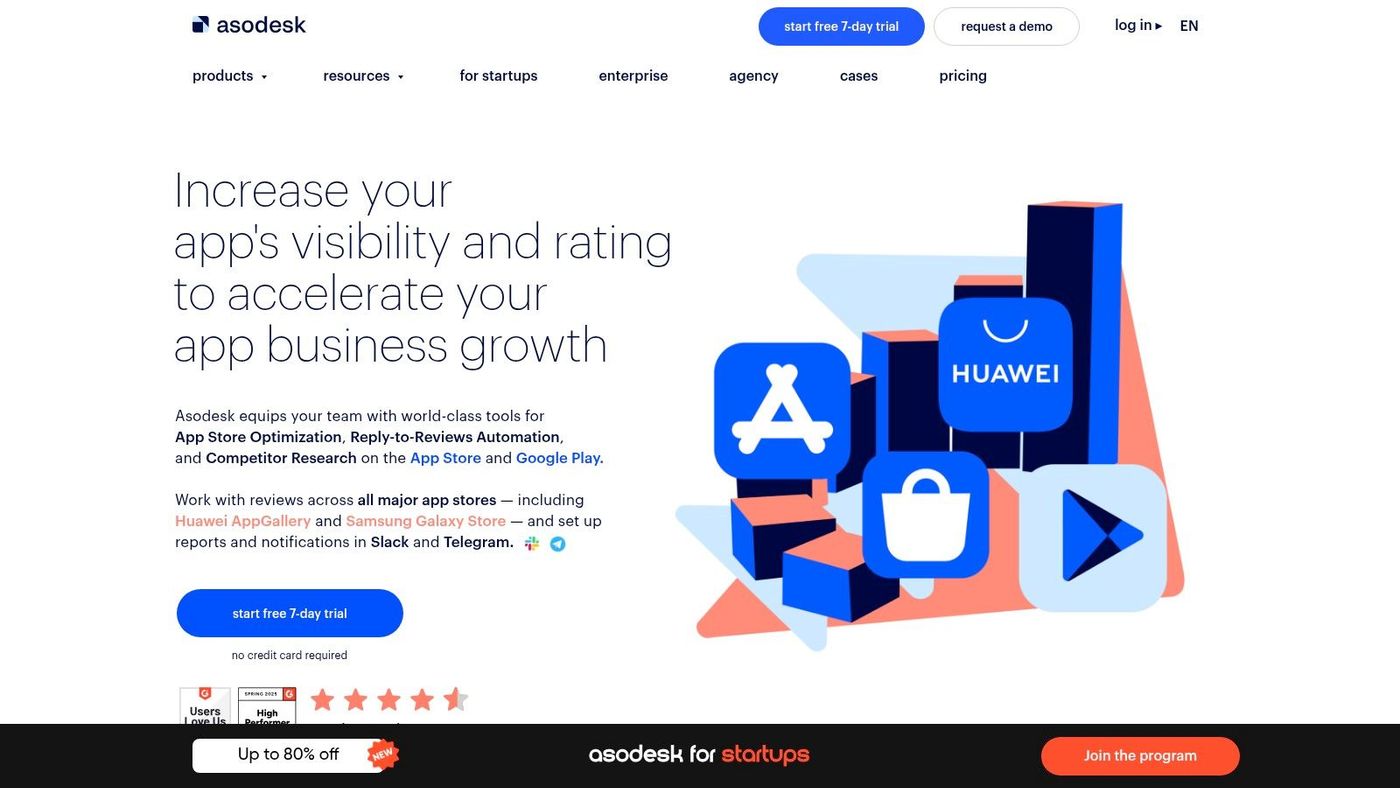
ASOdesk is often the value pick in this category. It doesn't try to win on polish alone. It wins by giving startups and agencies a lot of operational ASO functionality without pushing them immediately toward enterprise pricing.
The core toolkit covers keyword research, semantic clustering, monitoring, competitor analysis, and review management. If your team tracks many keywords and several apps, those limits can matter more than a beautiful interface.
Why budget-conscious teams pick ASOdesk#
ASOdesk is the kind of tool that works well for teams doing a lot of repetitive store work. Agencies, indie studios, and mobile marketers often need breadth first. They need enough keyword and competitor coverage to run their process consistently.
A few reasons it lands well:
- Generous operational limits: Helpful when you manage multiple listings or clients.
- Review management is included: So support and growth can work from the same system.
- Onboarding is simple: You can start testing workflows without a heavy sales process.
The downside is visual clarity. Some dashboards feel more functional than refined, and that affects how quickly you spot patterns. For tactical operators, that's acceptable. For exec reporting or high-level storytelling, it's less ideal.
If your main requirement is strong price-to-capability value, ASOdesk deserves a serious look. If you need premium market intelligence, it probably won't be enough on its own.
5. AppGrowKit#
Disclosure: AppGrowKit is our own product. Read this entry knowing we are biased; every other tool in this list is independent and presented on its merits.
A common ASO bottleneck looks like this. The team knows which keywords and messages to test, but the release slips because nobody can turn product screens into polished store creatives fast enough.
AppGrowKit is built for that problem. It sits in the creative and conversion specialist camp, rather than the broad all-in-one platform camp, and that makes its value easier to judge. If your constraint is design throughput and screenshot iteration, AppGrowKit is more relevant than another keyword dashboard.
The product uses real app UI as the starting point for screenshot generation. That sounds simple, but it changes the workflow in a practical way. Teams spend less time building mockups from scratch and more time deciding which story to tell on the store page. For smaller growth teams, that can remove weeks of back-and-forth between ASO, product marketing, and design.
AppGrowKit also connects creative work to ASO inputs such as keyword relevance, ranking signals, and listing structure. Conversion is not a side metric. Traffic only pays off if the page explains the product clearly and gives users a reason to install.
One useful angle here is localization. Many ASO tools can translate metadata or track ranks by country. Fewer help teams adapt the visual story itself for different markets. AppGrowKit is stronger when the job is not just "make screenshots," but "make screenshots that fit how users in the US, Japan, or Europe read the product."
Best use cases for AppGrowKit#
AppGrowKit tends to fit teams with a specific set of operational needs:
- You need production speed: It turns live product UI into store assets faster than a traditional design workflow.
- You want creative tied to ASO strategy: Screenshot concepts can reflect keyword themes and message priorities.
- You localize aggressively: The platform supports multi-language creative workflows, which is useful when each market needs different framing.
- You prefer one working area: Creative generation, rank tracking, competitor monitoring, review sentiment, and reporting live in the same product.
The four visual directions are also practical. Connected story, editorial poster, clean mockup, and dynamic stack give teams multiple routes to test without starting from a blank canvas each time. That is more useful than endlessly revising one screenshot template that already stopped teaching you anything.
There are trade-offs. Lower-tier plans rely on credits, so teams running frequent creative cycles should price that carefully before committing. AppGrowKit also feels more iOS-centered in how it presents the workflow, so Android-heavy teams should confirm how far feature parity goes.
For founders, mobile marketers, and product teams that already know creative quality is the conversion bottleneck, AppGrowKit is one of the clearer specialist picks on this list. It will not replace enterprise intelligence tools. It can shorten the path from product UI to testable store assets, and for many teams, that is the part of ASO that keeps shipping late.
6. SplitMetrics Optimize#
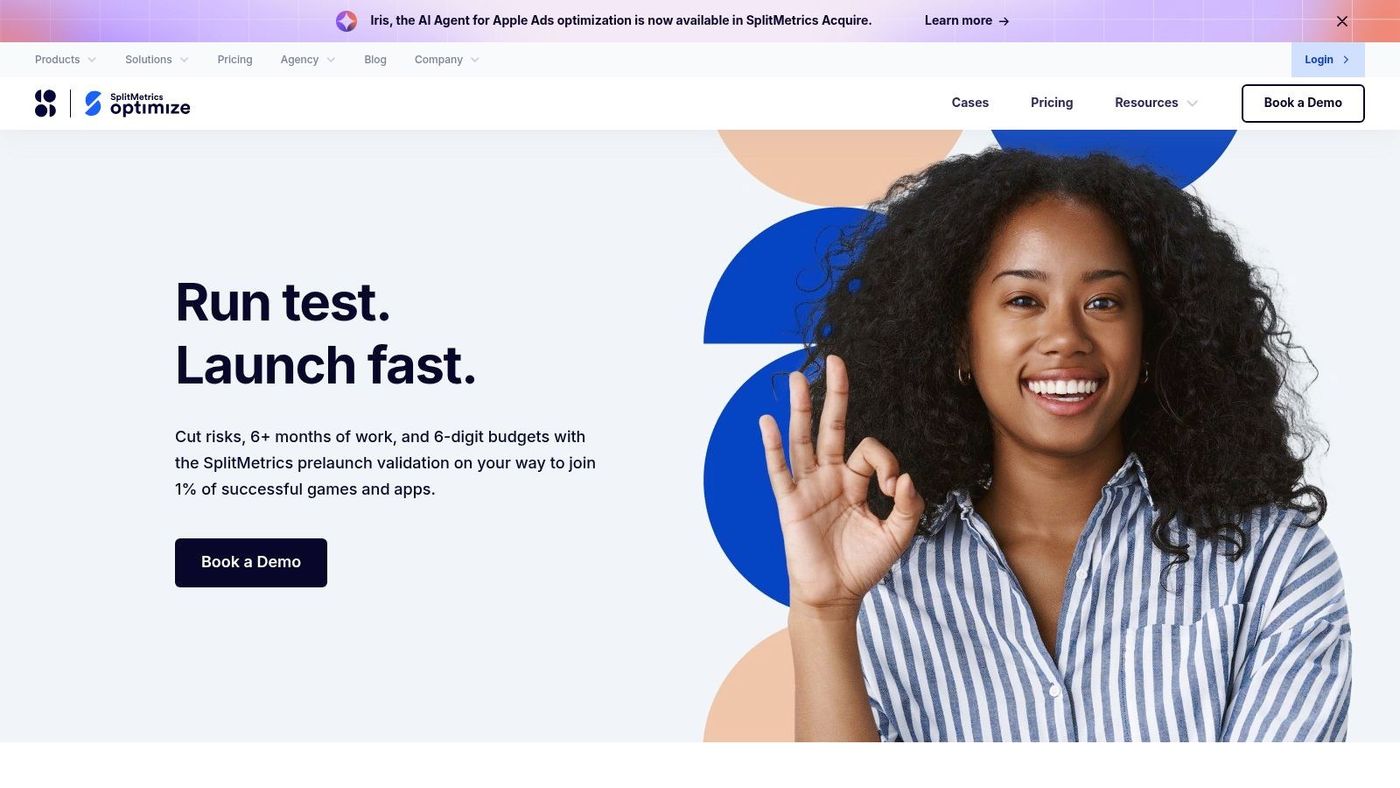
A familiar ASO meeting goes like this. Design prefers the polished screenshot set, growth wants bolder value props, and product insists the current page is "good enough." SplitMetrics Optimize gives teams a way to test those assumptions before a listing update goes live.
SplitMetrics Optimize is a creative and conversion specialist, not a general-purpose ASO suite. That distinction matters. If your biggest problem is low visibility, start with a platform built for keyword research and tracking. If traffic is already reaching your store page and conversion is the weak point, Optimize is often the more useful tool.
Where SplitMetrics Optimize fits#
The platform is built for pre-launch testing of icons, screenshots, videos, and page copy in store-like environments for the App Store and Google Play. That helps teams answer a more practical question than "Which version do we like?" The primary question is which version gets more users to show install intent.
This is also where ASO starts to overlap with landing page thinking. Store pages rank, but they also need to convert. Teams that treat them only as metadata containers usually leave performance on the table. If you need a quick refresher on that distinction, this guide on ASO vs SEO and how intent changes optimization decisions is a useful framing.
SplitMetrics Optimize is a strong fit for a few situations:
- Pre-launch creative validation: Check messaging and visual direction before a release.
- Paid acquisition support: Send campaign traffic to stronger page variants instead of hoping the default listing converts.
- Internal decision-making: Resolve creative disputes with test results rather than opinions.
- Mature ASO programs: Add a conversion layer to a stack that already covers keywords, rankings, and competitors.
One practical trade-off stands out. Optimize does one job well, but it does not replace an all-in-one platform or an enterprise intelligence tool. Teams still need another system for keyword discovery, rank monitoring, review analysis, or market benchmarking.
Pricing is also sales-led, which usually makes more sense for teams with enough traffic volume to justify structured testing. For smaller apps with limited store visitors, the bottleneck may still be discovery rather than conversion. In that case, spend first on the tool category that matches your current constraint.
If I were choosing by maturity level, I would place SplitMetrics Optimize in the "add this once you have signal to test" bucket. For teams already getting meaningful page traffic, it can improve decision quality fast. For early-stage apps, it may be the right second or third ASO purchase, not the first.
7. Sensor Tower#
A common point comes after a team has outgrown rank tracking and metadata edits. The CMO wants category trends, the UA lead wants ad intelligence, the product team wants competitor movement by market, and ASO is expected to support all of it. Sensor Tower fits that situation better than a standalone ASO workflow tool.
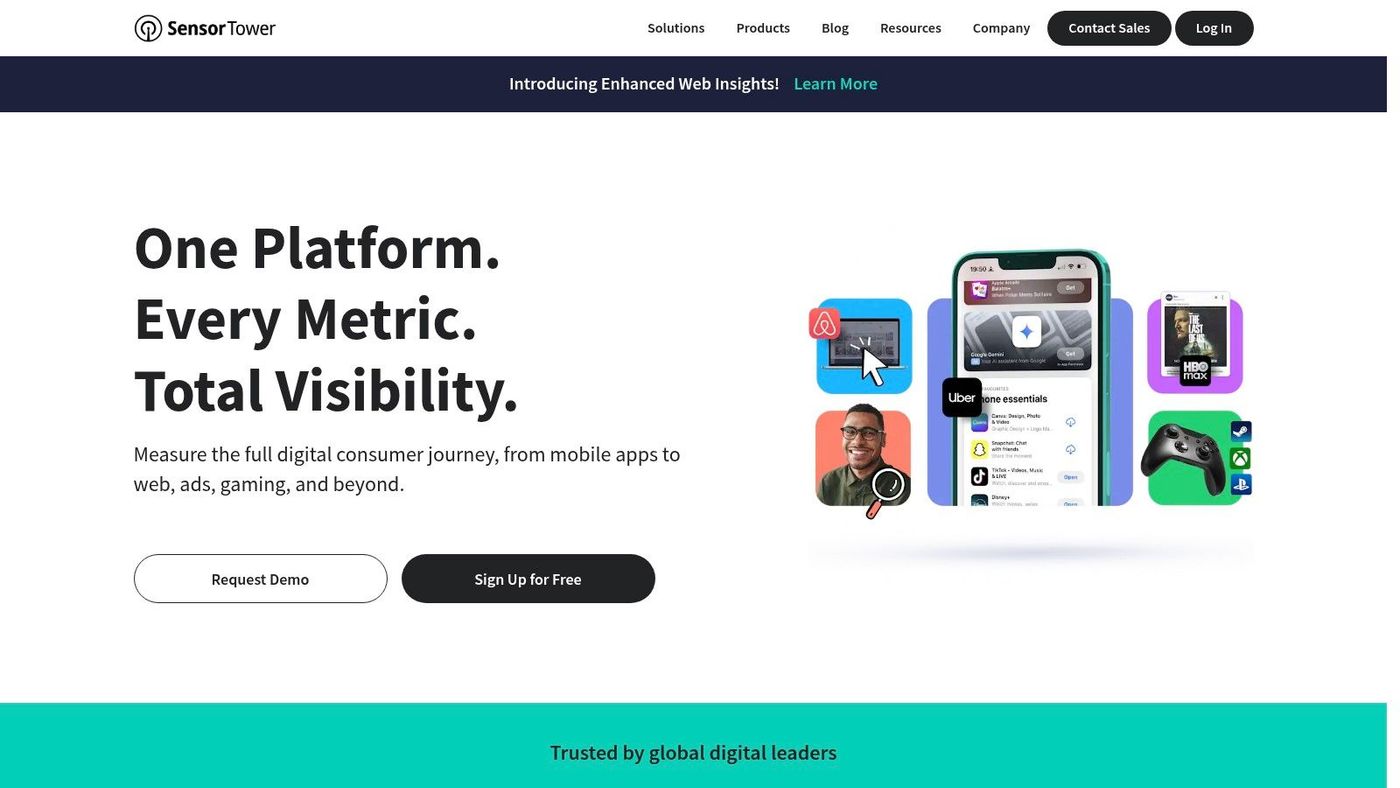
Sensor Tower belongs in the "Enterprise Intelligence" bucket of this list. Its value is not just keyword visibility. Teams use it to estimate market size, monitor competitors across regions, track chart movement, and study ad activity alongside app performance. That wider view matters when ASO decisions affect launch timing, country expansion, or portfolio planning.
It tends to be strongest in a few use cases:
- Competitive intelligence across multiple markets
- Category and portfolio benchmarking
- Ad and app trend monitoring in one system
- Leadership reporting for larger mobile businesses
The trade-off is straightforward. Sensor Tower can answer strategy questions that smaller ASO tools cannot, but it also asks for a larger budget and a team that will use that depth. If your day-to-day work is still focused on keyword iteration, review management, and listing updates, an all-in-one ASO platform will usually give better day-to-day value.
For product managers and founders, the practical question is maturity. Teams with one app and a tight acquisition budget often need execution support first. Companies managing multiple titles, regions, or competitors usually need intelligence first, or at least alongside execution. If your team is still sorting out where app store work ends and broader discoverability strategy begins, this guide on ASO vs SEO for mobile growth teams helps frame that decision.
My take is simple. Sensor Tower is a strong choice when ASO is one input into a larger market intelligence system. It is less compelling as a first ASO purchase.
8. data.ai formerly App Annie#
A common situation looks like this: the ASO manager wants better keyword coverage, while leadership asks whether the category is still growing, which markets are worth entering next, and how the app compares to bigger players over the last few quarters. data.ai is built for the second set of questions.
data.ai sits more in the Enterprise Intelligence bucket than the all-in-one ASO bucket. It gives product leaders, founders, and strategy teams a market-level view of downloads, revenue patterns, rankings, category movement, and competitor position over time. That matters when ASO is only one part of a broader growth plan.
The practical trade-off is clear. Teams that spend most of their week updating metadata, testing creatives, and managing reviews will usually get more day-to-day value from a tool built for execution. Teams managing multiple apps, reporting to executives, or evaluating expansion bets often need this broader context first.
When data.ai makes sense#
data.ai tends to be a better fit for teams that need answers like these:
- How large is this category, and is it still attractive enough to enter?
- Which regions show real demand versus short-term chart volatility?
- How does our app compare with direct and indirect competitors over time?
- What story should we bring into planning meetings, board updates, or budget reviews?
It can also be useful for smaller teams that want baseline market visibility without committing to a full enterprise workflow on day one. The value there is less about replacing an ASO platform and more about adding outside context before making expensive growth bets.
If your team still debates the difference between app store visibility strategy and broader discoverability work, this quick guide on ASO vs SEO is a useful framing layer before investing in larger intelligence platforms.
My take: data.ai is a strong choice for companies that need market intelligence shared across growth, product, and leadership. If you are still earlier in ASO maturity and need hands-on execution support, this will likely feel too broad for the price.
9. AppFollow#
AppFollow is the tool to consider when ratings, reviews, and app reputation are tightly tied to your growth work. Plenty of ASO platforms include review features. AppFollow treats them as a central workflow.
That's useful for product support teams, growth teams, and larger app businesses where feedback volume is too high to manage manually. You can track store visibility and keywords, but the bigger value often comes from automation, triage, and team workflows around user sentiment.
Best for review-heavy operations#
AppFollow makes the most sense in situations like these:
- Support and growth need one shared dashboard
- Review response workflows need automation
- You want integrations with existing tools like Slack or Zendesk
- ASO and reputation management are handled by the same team
This is also where AppFollow feels different from a pure ASO suite. The ASO module matters, but the broader operational layer around reviews often becomes the reason teams stick with it.
The limitation is focus. If your primary goal is deep market intelligence or broad strategic forecasting, AppFollow isn't the natural first choice. If your challenge is handling reviews at scale while still improving visibility, it becomes much more compelling.
10. Gummicube DATACUBE and SPLITCUBE#
Gummicube is a specialist option for teams that want both technology and managed ASO support. Instead of only selling software access, it combines proprietary tooling with a service layer, which can be useful if your internal team lacks ASO bandwidth or experience.
Its two main products are DATACUBE for keyword and market insights and SPLITCUBE for creative testing in store-like environments. That pairing makes it one of the more focused ASO providers on this list.
Who should choose Gummicube#
Gummicube is a practical fit when you need outside help, not just another login. That often applies to companies in one of two situations: they are launching into a competitive category with limited internal ASO expertise, or they have growth goals that require specialist support without hiring a full in-house ASO team.
Reasons to consider it:
- ASO specialization is the core product
- Creative testing is part of the offering
- Managed services are available alongside tooling
- You want guidance, not just dashboards
Some teams don't need more software. They need a partner that can diagnose the listing, prioritize changes, and run the process with them.
The trade-off is transparency. Pricing is sales-led and often bundled with services, so it's harder to compare directly against self-serve SaaS options. For teams that value hands-on support, that may be worth it. For buyers who want clear product-led pricing, it's less appealing.
Top 10 ASO Tools, Features & Performance Comparison#
| Product | Core Focus | Key USP ✨ | Target Audience 👥 | Pricing / Value 💰 | Quality ★ |
|---|---|---|---|---|---|
| AppTweak | All‑in‑One ASO | Keyword & competitive insights; Reporting Studio ✨ | 👥 ASO teams, brands, indies | 💰 Self‑serve pricing; 7‑day trial | ★★★★ |
| MobileAction | All‑in‑One ASO + Ads | Creative explorer + Apple Ads tooling ✨ | 👥 SMBs & UA teams | 💰 Very affordable entry tiers (Lite) | ★★★★ |
| App Radar | ASO & Listing Mgmt | Clear plan limits; in‑tool review replies ✨ | 👥 Solo devs & small teams | 💰 Starter‑friendly; free trial | ★★★ |
| ASOdesk | Budget ASO | High keyword/app caps; daily impressions ✨ | 👥 Startups & agencies | 💰 Strong price‑to‑limits | ★★★ |
| 🏆 AppGrowKit | Creative‑first ASO & Screenshot AI | AI uses real app UI; ASO‑driven compositions; store‑ready localized exports ✨ | 👥 Mobile teams, designers, growth | 💰 Starter $9/mo; Growth $39–$49/mo; commercial rights included | ★★★★★ |
| SplitMetrics Optimize | Creative A/B Testing | Store‑accurate simulations; 50+ behavioral metrics ✨ | 👥 Teams validating creatives pre‑publish | 💰 Sales‑led (quote) | ★★★★ |
| Sensor Tower | Enterprise Market Intelligence | Deep downloads, ad & audience intelligence ✨ | 👥 Enterprises, publishers, game studios | 💰 Quote / enterprise | ★★★★★ |
| data.ai (App Annie) | Market Intelligence & Benchmarking | Downloads/revenue estimates; App IQ taxonomy ✨ | 👥 Strategy, product & enterprise teams | 💰 Sales‑led / enterprise | ★★★★★ |
| AppFollow | Reputation + ASO | Review automation, workflows & 20+ integrations ✨ | 👥 Support, product & growth teams | 💰 Sales‑contacted pricing | ★★★★ |
| Gummicube (DATACUBE & SPLITCUBE) | ASO Specialist + Services | Proprietary DATACUBE data + managed ASO & Splitcube testing ✨ | 👥 Teams needing agency + tooling | 💰 Sales‑led; packaged with services | ★★★★ |
Your Next Move in App Store Optimization#
The best app store optimization tool is the one your team will use every week. That's the uncomfortable truth behind most software buying mistakes in ASO. Teams often buy for edge cases and prestige, then ignore the tool because it doesn't fit the daily workflow.
Start with the bottleneck, not the feature list. If visibility is the issue, prioritize a platform that makes keyword tracking, competitor monitoring, and listing updates easy. AppTweak, MobileAction, App Radar, and ASOdesk all sit well in that lane, with different trade-offs around pricing, depth, and usability.
If your company needs broader market context, move up a level. Sensor Tower and data.ai make more sense when ASO is part of a wider growth or strategy operation. These tools are less about changing a subtitle today and more about understanding what markets, competitors, and categories are doing over time.
If traffic isn't the problem, stop over-rotating on keywords. Creative and conversion tools matter more when your listing gets attention but doesn't persuade. SplitMetrics Optimize is the specialist pick for testing. AppGrowKit is especially useful if your problem is the messy middle between ASO strategy and producing high-converting screenshot sets from real product UI.
There's also an operational reality many teams miss. ASO usually spans product, growth, support, and design. That means your ideal tool isn't only the one with the best data. It's the one that reduces handoff friction. AppFollow is a good example when review management and reputation are part of the growth loop. Gummicube is more relevant when you want service support built into the engagement.
The smartest next step is simple. Pick one or two tools based on your current maturity level, not your aspirational one. Use the free trial if it exists. In that week, do three things: track your core keywords, audit one serious competitor, and create or test a new visual direction for your listing. If the platform makes those tasks clearer and faster, it's doing its job.
ASO gets easier when the workflow is connected. Discovery, conversion, feedback, and competitor context shouldn't live in separate silos. Once your tool stack matches that reality, app store optimization stops feeling like a chore and starts working like a growth system.
If your team is stuck between keyword strategy and shipping better creatives, AppGrowKit is worth trying. It helps founders, marketers, and mobile teams turn real app UI into store-ready screenshots quickly, with ASO signals built into the process so your visuals and metadata support the same growth goal.
Stop reading. Start ranking.
AppGrowKit takes everything in this article and runs it for you: keyword research, live ranks, conversion-focused screenshots, and market intel. Free to start.