Search intent decides the headline
If users search for a benefit, the screenshot copy should answer that benefit quickly instead of repeating generic product claims.
Generate App Store-ready iPhone and iPad screenshots from your raw app screens, keywords, competitor context, and listing goals. AppGrowKit turns ASO strategy into screenshot copy, layout, and export-ready files.
Free to start. Pro from $19/mo, cancel anytime.
Try it with your app — no signup
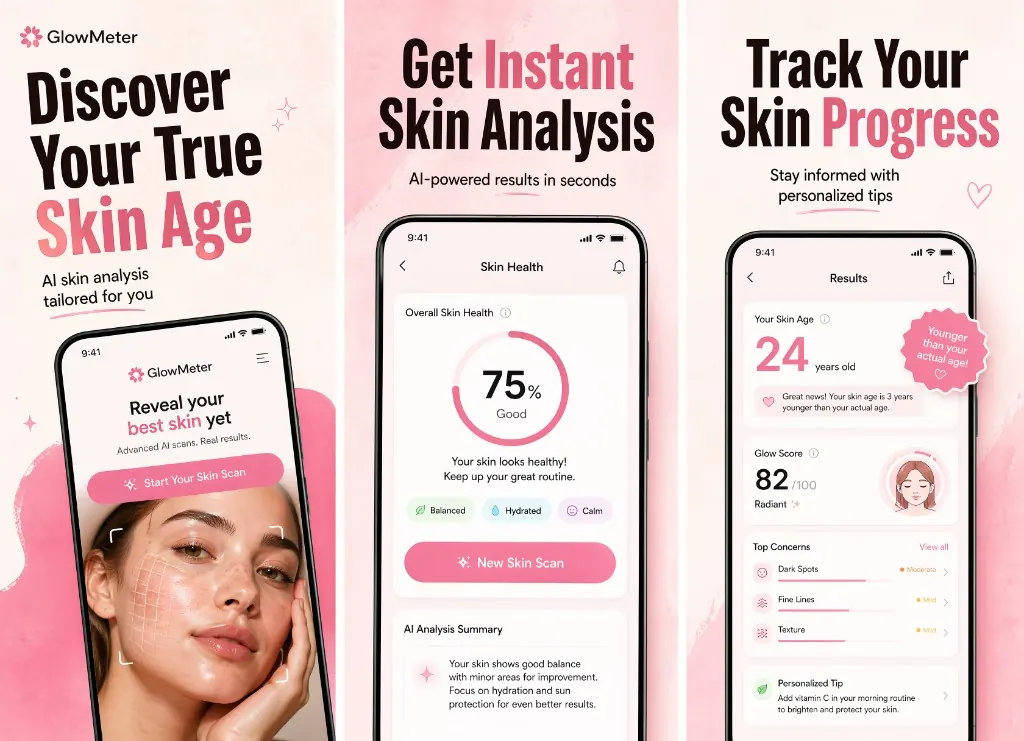
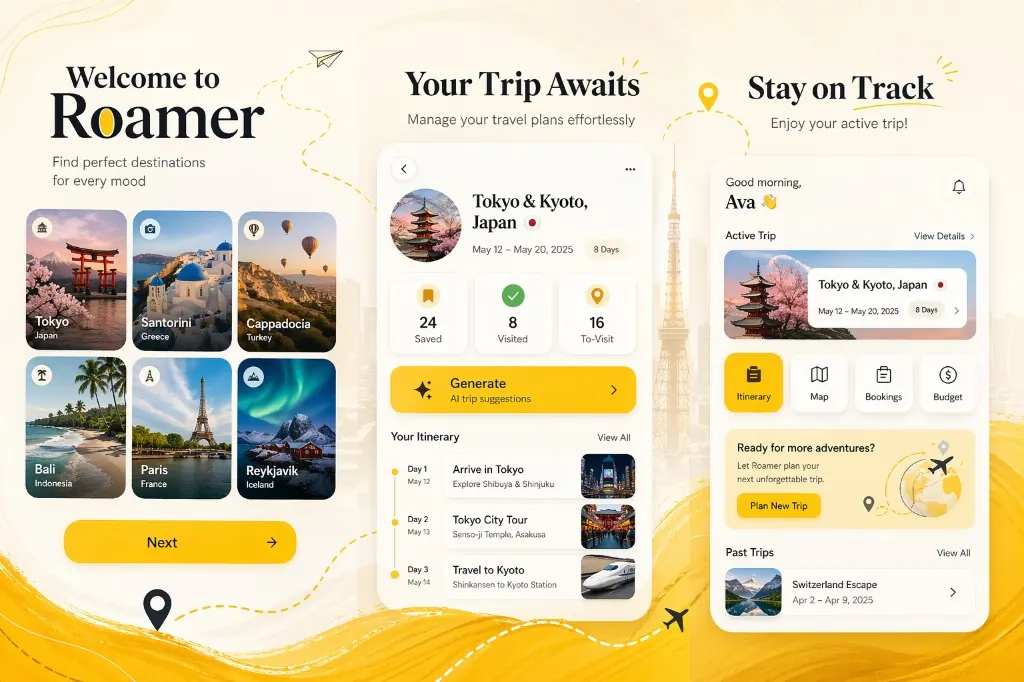
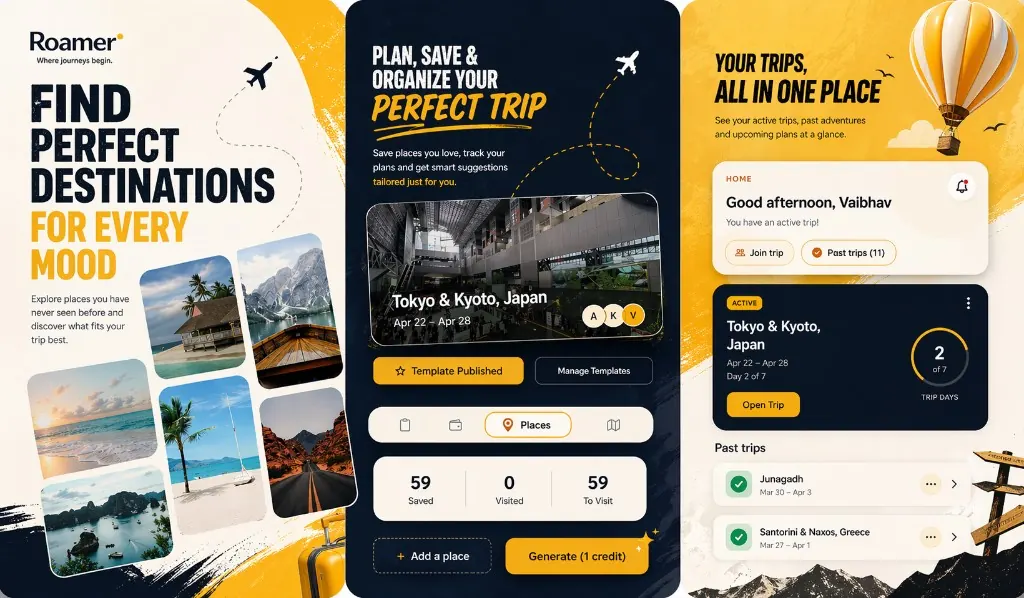
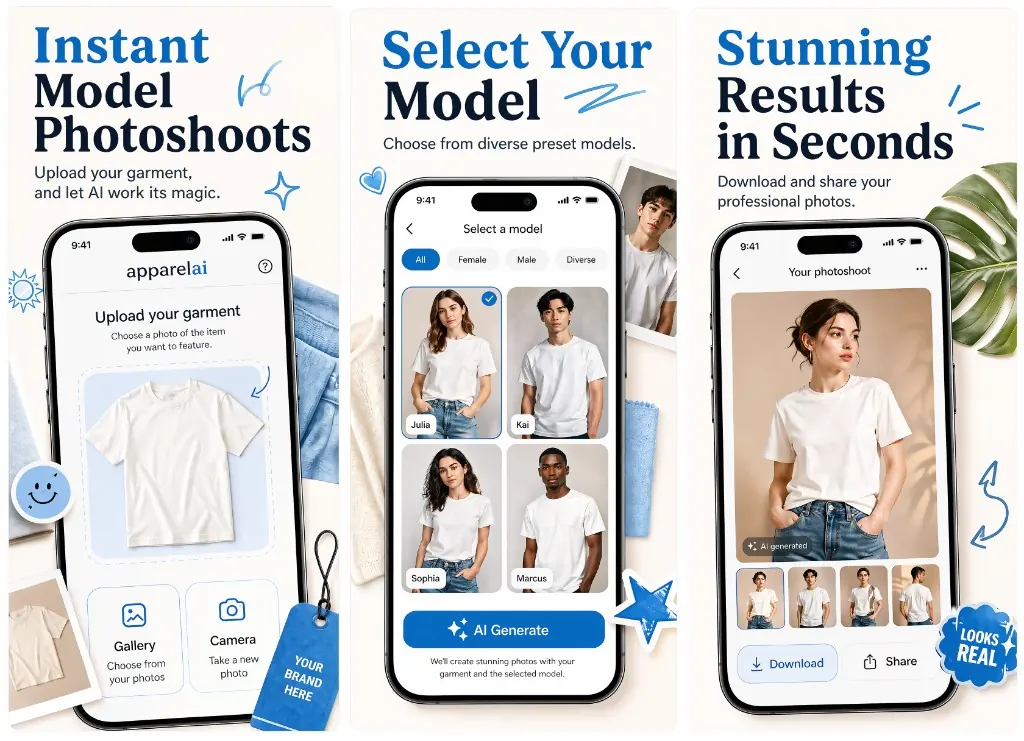
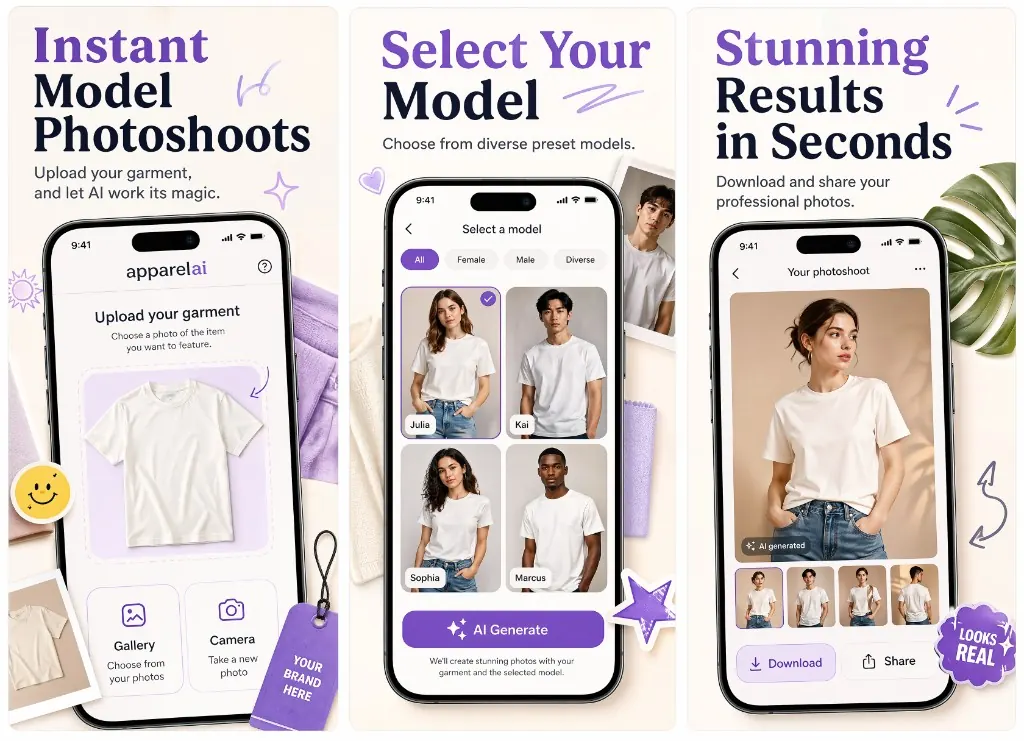
AppGrowKit is built for the moment after keyword research: turning what people search, compare, and complain about into screenshot messaging that makes the listing easier to choose.
For the exact three-frame structure, read the first three App Store screenshots guide.
If users search for a benefit, the screenshot copy should answer that benefit quickly instead of repeating generic product claims.
A screenshot set should show why this app is different from the listings users already compare in the same results page.
Most shoppers judge the listing before reading long copy, so AppGrowKit treats screenshots one through three as the main conversion surface.
An App Store screenshot is a portrait image attached to an app’s App Store or Google Play listing that previews the user interface and value proposition. Apple accepts up to ten screenshots per device family per locale; only the first three appear in App Store search results and on the small-card preview, which is why AppGrowKit's listing analysis consistently shows the first three screenshots carrying roughly 80% of the install conversion lift.
Modern App Store screenshots are not raw OS captures. They are composed marketing units — a real product screen layered with a short headline, a benefit clause, and brand framing — exported in the exact pixel sizes Apple and Google require for upload to App Store Connect or Google Play Console.
For sizing requirements, the five-rule conversion framework, and common mistakes, see the complete App Store screenshots guide.
The first generation creates the creative direction. After that, choose the final output you need: iPhone, iPad, or both when the launch requires a complete device set.
Start with your App Store listing, raw screens, keywords, and positioning goal.
Review an AI-generated screenshot direction built around the first-three screenshot story.
Export polished iPhone and iPad screenshots for your App Store product page.
1290 × 2796 portrait
Use iPhone finals for the primary App Store gallery and launch pages.
2064 × 2752 portrait
Generate iPad finals when your listing needs tablet-ready screenshots.
Why it matters
Strong screenshots tell visitors what your app does before they read the description. AppGrowKit helps make that first scan clear.
Use keywords, category, competitors, and listing goals to guide the headline story instead of starting from a blank template.
Prioritize the frames users see in App Store search results, where your screenshots need to explain the value fastest.
Carry one approved direction into iPhone, iPad, and localized screenshot sets without rebuilding the story each time.
Ready to ship a stronger listing?
Free to start with 10 screenshot credits — Pro from $19/mo, cancel anytime.
Written and maintained by Dhruval Golakiya, Founder of AppGrowKit. Last reviewed .