Best App Localization Tool: 2026 Comparison Guide
Find the best app localization tool for your mobile team in 2026. Compare 10 platforms by features, pricing, & workflows for iOS & Android dev.
On this page
- 1. AppGrowKit
- Why AppGrowKit stands out
- Best fit and trade-offs
- 2. Lokalise
- Where Lokalise helps most
- 3. Phrase
- Why product teams like Phrase
- 4. Crowdin
- Where Crowdin earns its keep
- 5. Transifex
- When Transifex makes sense
- 6. POEditor
- Why small teams pick it
- 7. Smartling
- What you pay for
- 8. OneSky
- Best use case
- 9. Localazy
- Why indies like it
- 10. Weblate
- Who should choose Weblate
- Top 10 App Localization Tools Comparison
- Start Your Global Journey Today
Your app is live. Users are signing up, reviews are decent, and the roadmap is finally calming down. Then the next growth question lands: can you launch in German, Spanish, Japanese, or Portuguese without turning every release into a localization fire drill?
That's where organizations often discover the core challenge. Translating strings is only part of the job. You also need screenshots, store copy, onboarding text, push messaging, support content, and review handling to feel native in each market. If the app is localized but the App Store or Google Play listing still speaks like a translated afterthought, acquisition suffers before the install even happens.
The impact of language choice on user behavior is significant. One localization benchmark often cited in app localization guidance is that 90% of online shoppers prefer using their native language when it's available, and apps can lose up to 13% of users when localization gaps remain. For mobile teams, that's the difference between “we translated the UI” and “we removed friction from discovery to retention.”
The array of tools has changed a lot, too. App localization used to mean passing files around and hoping nobody broke keys before release. Now the standard stack includes translation memory, glossaries, machine translation, in-context editing, and TMS workflows that fit continuous shipping rather than quarterly launches, as outlined in Weglot's overview of localization tools. The hard part today isn't whether an app localization tool exists. It's choosing one that matches how your team ships.
1. AppGrowKit#
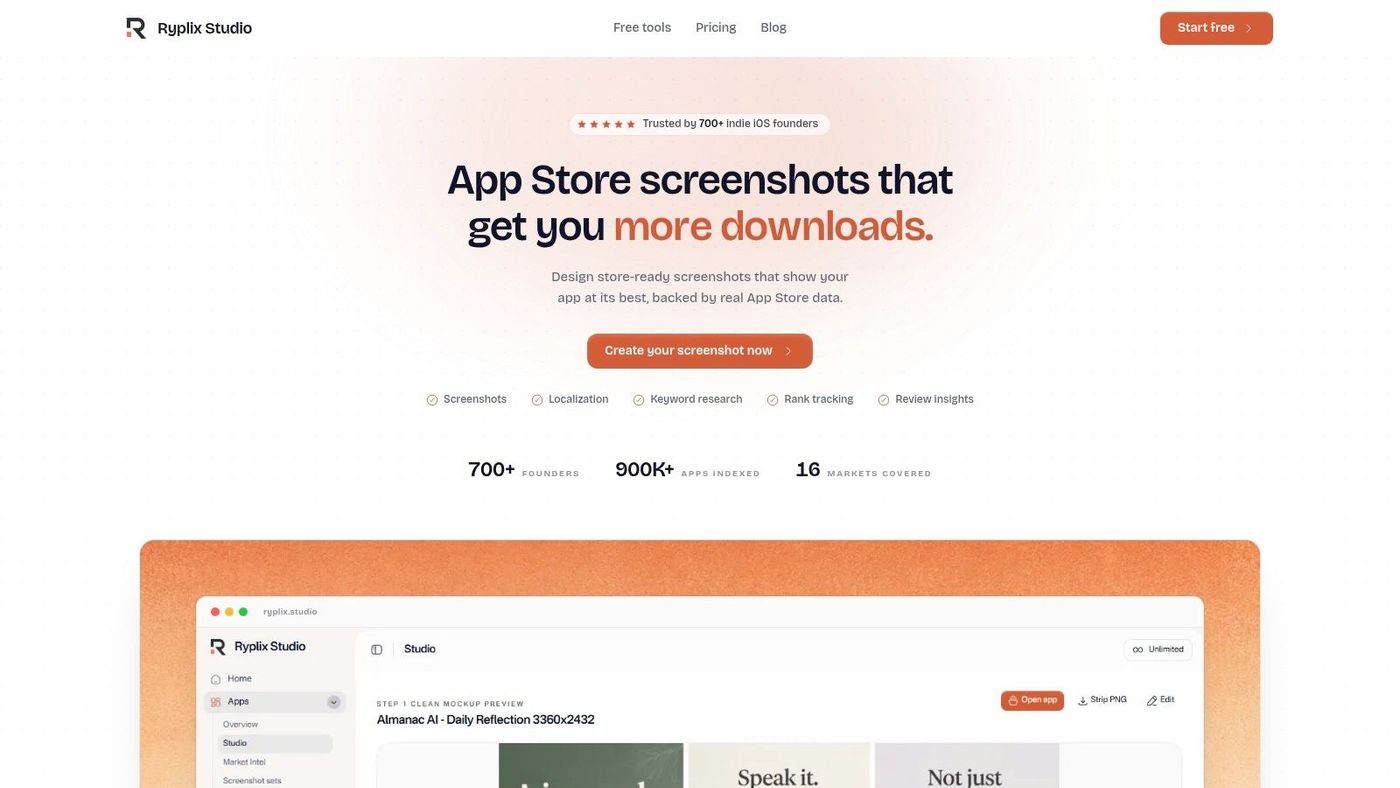
AppGrowKit is the most interesting option here if your localization problem starts before users ever open the app. Most tools on this list focus on strings, translation workflows, and developer handoffs. AppGrowKit focuses on the acquisition layer: localized screenshots, store visuals, listing alignment, and ASO context.
That matters more than many teams admit. A recurring weakness in app localization is siloed execution, where the UI gets translated but screenshots, visual hierarchy, and the value proposition in the store don't change with the market. Instabug's discussion of mobile app localization tooling highlights that gap around store-facing localization and how teams often localize strings without localizing the full acquisition asset set. If your screenshots still read like English-first creative with swapped text, users notice.
Why AppGrowKit stands out#
AppGrowKit uses real app screens instead of fake dashboard templates. That sounds like a small detail, but it fixes a common credibility problem. Store creatives often look polished and completely detached from the product. AppGrowKit keeps the screenshots grounded in the UI users will see.
It also bundles creative generation with ASO inputs, so headline choices, slot order, and screenshot structure can reflect keyword direction and review patterns instead of pure design instinct. If you're trying to connect localization work to growth work, that's the right model.
A practical use case looks like this:
- Founder launch workflow: Upload your existing app screens, generate several screenshot directions, localize the chosen set, and ship store-ready assets without waiting on a designer.
- PM handoff workflow: Product defines the core in-app moments, growth owns metadata and market positioning, and AppGrowKit becomes the shared workspace instead of a chain of Figma files and Slack threads.
- ASO refresh workflow: When a market underperforms, you can revisit screenshot order and localized messaging rather than only tweaking subtitles or descriptions.
For teams handling this regularly, localized App Store screenshots in AppGrowKit are the clearest reason to consider it.
Practical rule: If your in-app strings are localized but your first three store screenshots still reflect your home market's framing, your localization workflow is incomplete.
Best fit and trade-offs#
AppGrowKit is best for solo founders, mobile growth teams, agencies, and startups that don't want separate tools for screenshot production, localization, and store-facing optimization. It's especially useful when design resources are thin and the bottleneck is getting market-ready assets out the door.
The main caution is fit. If your app UI is sparse, visually rough, or inconsistent across screens, the output quality depends on what you feed in. Also, plan details should be checked closely because the product messaging around generation limits and tier structure can vary by billing context.
Use AppGrowKit when store localization is a first-class job, not an afterthought.
- Website: AppGrowKit
- Pros: Authentic visuals based on real UI, store-ready localization workflow tied to ASO inputs, fewer handoffs across design and growth
- Cons: Plan details need verification, best results depend on solid source screens
2. Lokalise#
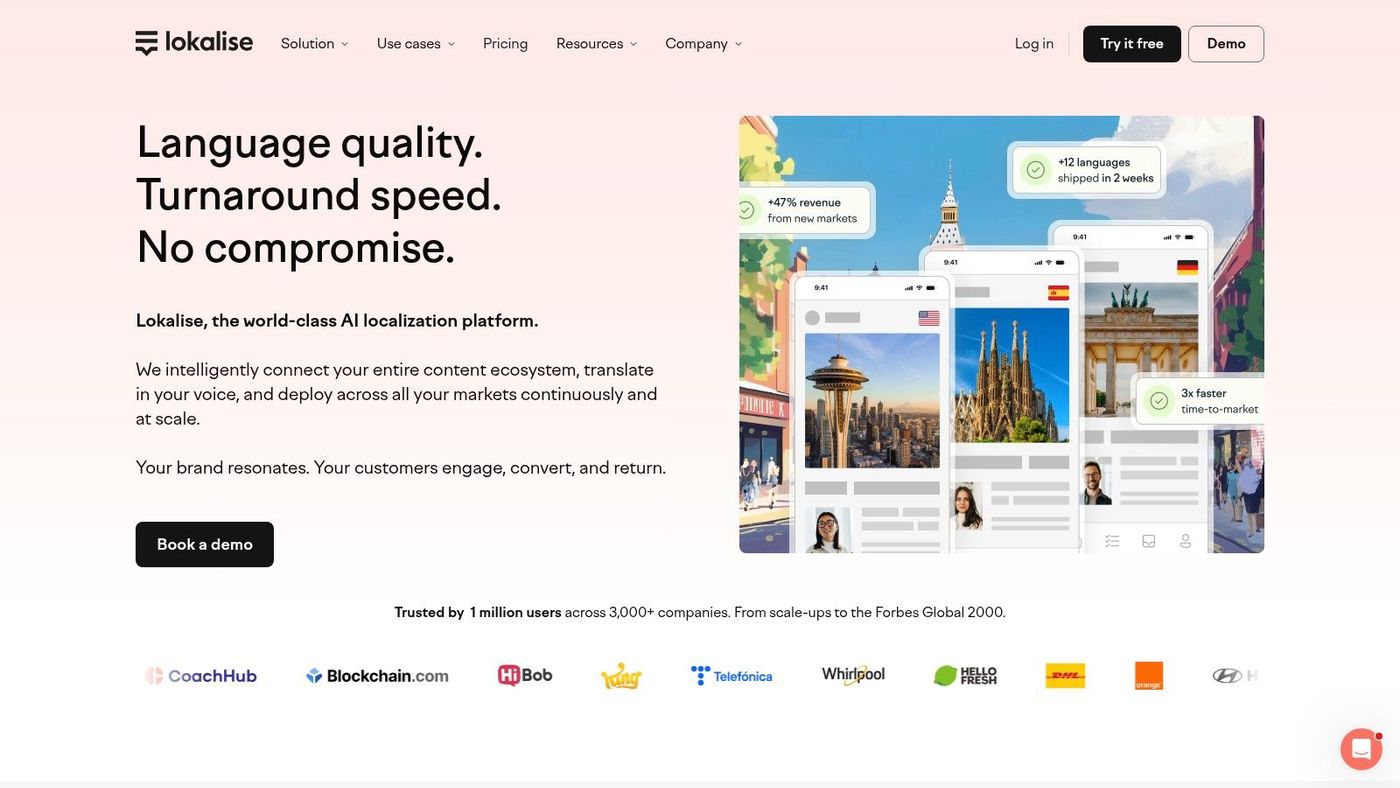
Lokalise is a strong choice when your release schedule is the main problem. Teams pick it because they don't want copy fixes and translation updates tied to full app resubmissions every time a string changes.
Its biggest appeal for mobile teams is over-the-air updating through SDKs for iOS, Android, and Flutter. That shifts localization from “wait for the next build” to “ship text updates as needed,” which is valuable when support catches a wording issue after release or marketing needs a campaign string updated quickly.
Where Lokalise helps most#
Lokalise fits teams that already think in product operations. Engineers want API and repo integrations. PMs want fewer bottlenecks. Localization managers want a central place for glossaries, review, and approvals. Lokalise usually works because it gives each group something useful without forcing everyone into the same workflow style.
A common setup is to use Lokalise for in-app strings and pair it with a separate creative workflow for App Store and Play assets. That split is fine if someone explicitly owns the store side. If nobody does, your localized app can still launch with weak screenshots. Teams working on Google Play creatives should also review practical guidance for Play Store app images, because store assets tend to lag behind code localization.
Localize the screen users see before install with the same care you give the screen they see after signup.
The trade-off is implementation overhead. OTA is useful, but it isn't magic. You still need to wire the SDKs correctly, define approval rules, and decide which strings are safe to update live. Pricing and plan structure are also worth reviewing carefully because these platforms change packaging over time.
- Website: Lokalise
- Pros: Strong OTA model for mobile release velocity, broad engineering integrations
- Cons: SDK adoption adds work, plan limits need close review
3. Phrase#
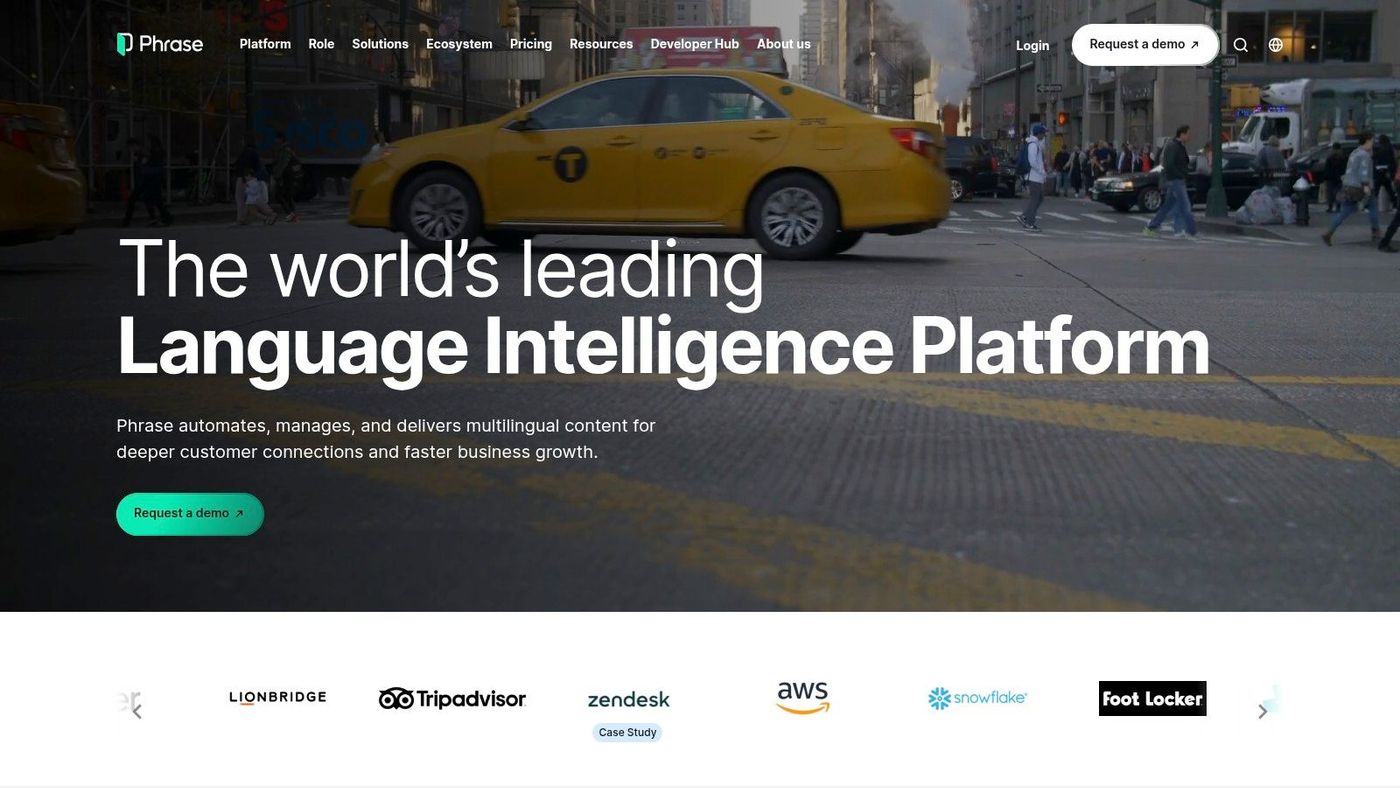
Phrase is one of the safer picks for teams that want an app localization tool with real depth and don't want to outgrow it quickly. It covers the classic TMS needs well, but for mobile apps the bigger advantage is how it supports continuous localization across iOS, Android, React Native, and Flutter.
The product is especially good when translators and developers need better context. In-context previews reduce the usual back-and-forth around clipped labels, unclear buttons, or strings that look fine in a spreadsheet and awkward in the UI.
Why product teams like Phrase#
Phrase aligns well with the idea that localization shouldn't be measured as a one-time text conversion task. Phrase's own app localization guidance emphasizes iterative optimization based on target-market behavior, local user testing, and KPIs such as downloads, engagement, retention, revenue, and ratings or reviews. That's the right framing for product teams. A translated app that nobody installs or keeps using isn't a localization win.
In practice, Phrase works well when:
- Your app ships often: OTA support means language updates don't always wait for the next binary.
- You support multiple mobile stacks: Coverage across native and cross-platform apps helps keep one workflow.
- You care about quality control: In-context review reduces embarrassing store and UI mistakes.
The trade-off is operational, not conceptual. Capacity-based pricing means someone on the team needs to watch usage, workflow scope, and language expansion. If nobody owns that, costs and limits can surprise you.
You'll also still need a store-creative process outside the TMS. Phrase is strong on strings. It won't solve screenshot strategy for you. That's why PMs and growth teams should treat metadata, screenshots, and in-app copy as one funnel, not separate workstreams. A solid App Store optimization checklist for mobile teams helps close that gap.
- Website: Phrase
- Pros: Strong multi-framework mobile support, good in-context review for quality
- Cons: Usage-based pricing needs monitoring, store asset localization still needs a separate process
4. Crowdin#
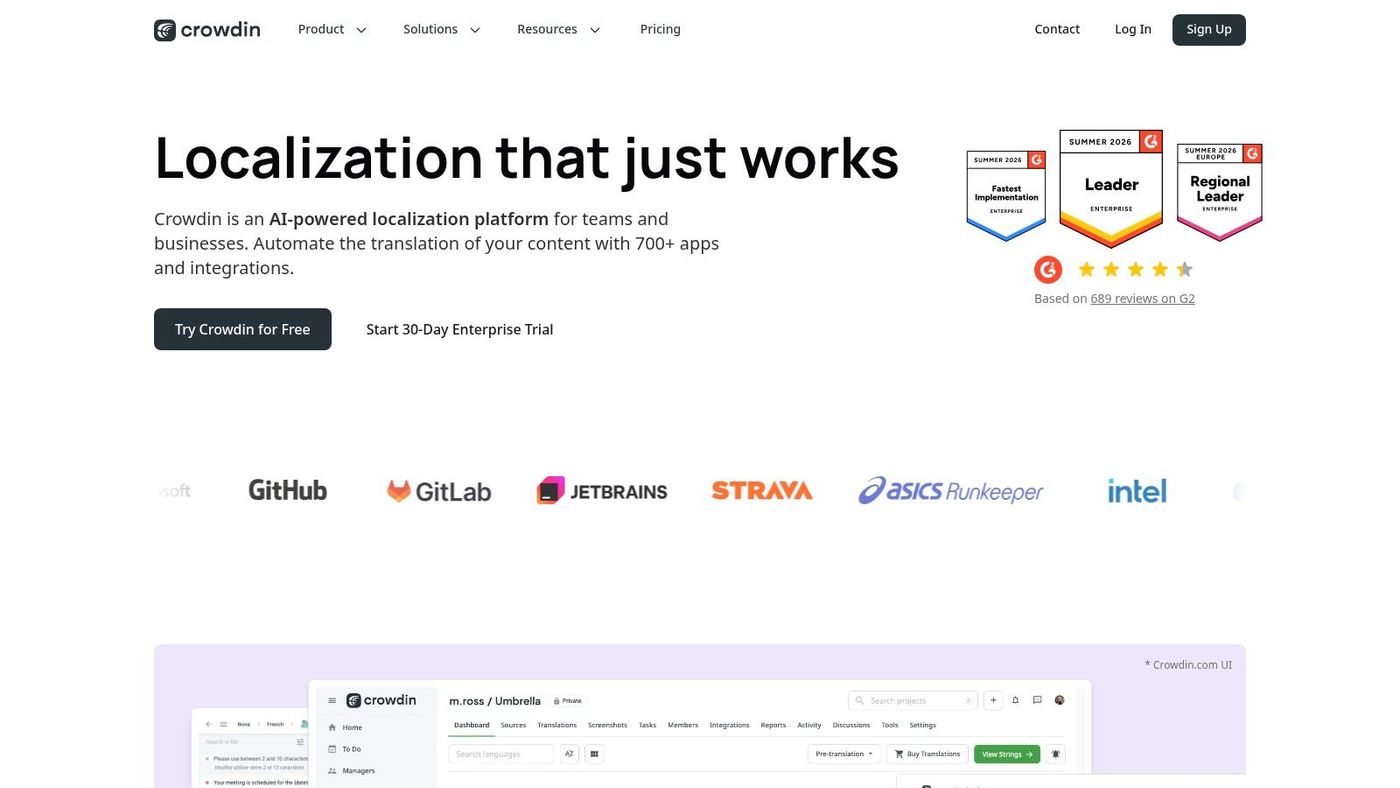
Crowdin has been around long enough to be familiar to a lot of engineering-led teams, and that's part of its appeal. It feels like a tool built for people who want automation, file sync, SDK support, and documentation that doesn't hide the implementation details.
Its mobile story is solid. You can automate string sync through VCS and CI, then use mobile SDKs for faster delivery and preview. If your current localization process still relies on somebody exporting files by hand before release, Crowdin will feel like a major cleanup.
Where Crowdin earns its keep#
Crowdin works best when your team wants flexibility more than polish. Startups with one app and a few markets can use it. Larger teams with several repos and multiple reviewers can also shape it to fit. The ecosystem is one of its strengths.
A typical real-world use case is a mobile team that ships every week and doesn't want localization to be a separate sprint. Developers push strings automatically, translators work in the same centralized system, and PMs review edge cases with screenshots or previews before release.
What doesn't work as well is a very small team with no one willing to own the setup. Crowdin can do a lot, but broad capability brings complexity. If you only need occasional file translation and simple approvals, it can feel heavier than necessary.
- Website: Crowdin
- Pros: Good automation surface, well-documented OTA and developer workflow
- Cons: Can be overbuilt for very small teams, feature breadth adds setup complexity
5. Transifex#
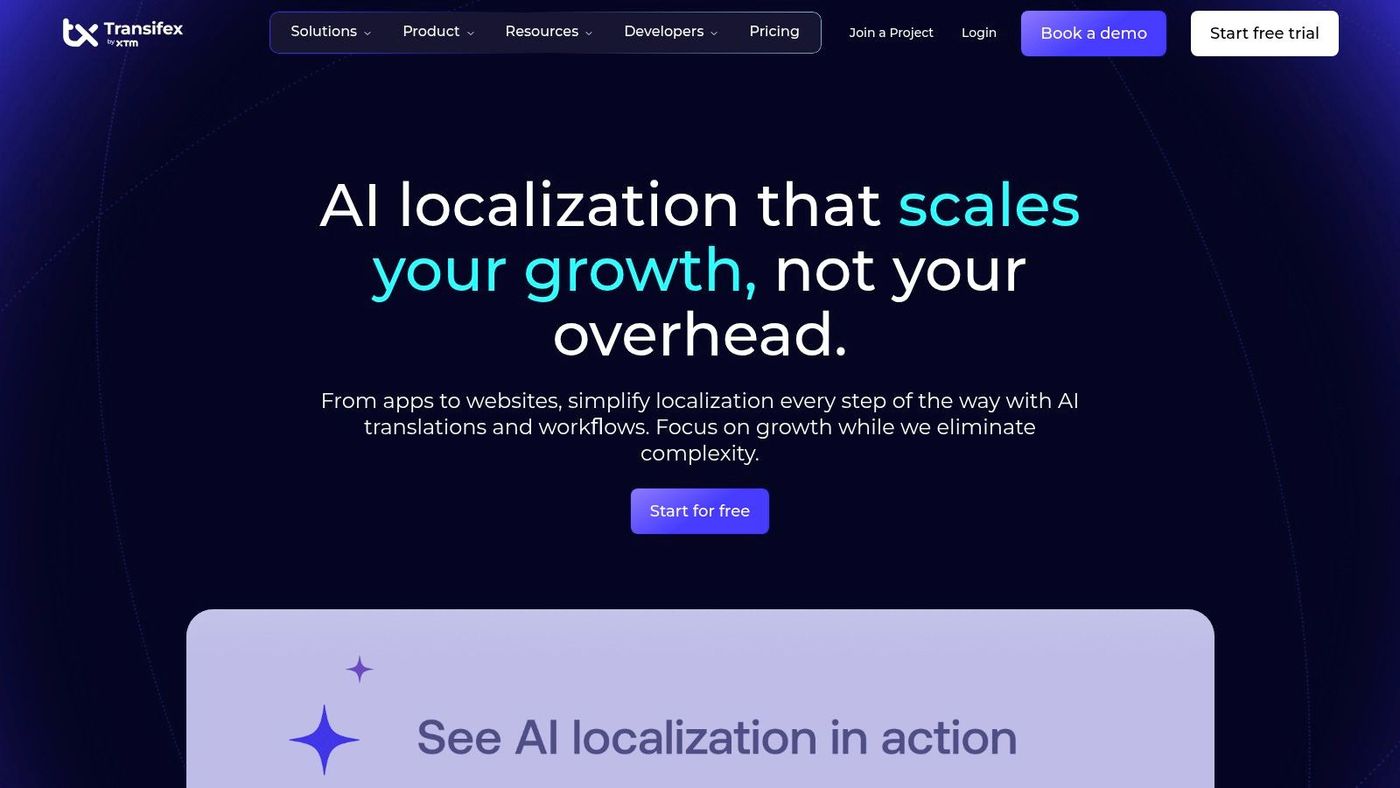
Transifex is often the right pick when engineering wants continuous localization and operations wants more control over delivery. Its mobile-native positioning is credible, and the OTA model is a good fit for teams that update copy frequently after launch.
The distinctive angle is deployment flexibility. Transifex highlights options around its content delivery layer, which can matter when compliance, data handling, or infrastructure preferences shape vendor selection.
When Transifex makes sense#
Use Transifex when your app team treats localization like shipping infrastructure, not a side project. It's a good match for product orgs that already use CI, automate releases, and want strings to move through the same discipline as code.
Three situations where it usually fits well:
- Regulated or compliance-aware teams: The delivery-layer flexibility can be meaningful.
- Apps with frequent content changes: OTA reduces store-release friction.
- Developer-led localization operations: CI and VCS integrations support continuous flow.
The downside is cost pressure as scope grows. Once you add more languages, environments, and contributors, pricing can feel less lightweight than the initial pitch suggests. Teams should also be honest about who owns language quality. Continuous delivery helps speed, but it doesn't guarantee good copy.
Fast translation delivery solves release friction. It doesn't solve weak review, poor screenshots, or market-misaligned messaging.
- Website: Transifex
- Pros: Mobile-first workflow, useful delivery flexibility
- Cons: Scaling costs need attention, best for teams with process maturity
6. POEditor#
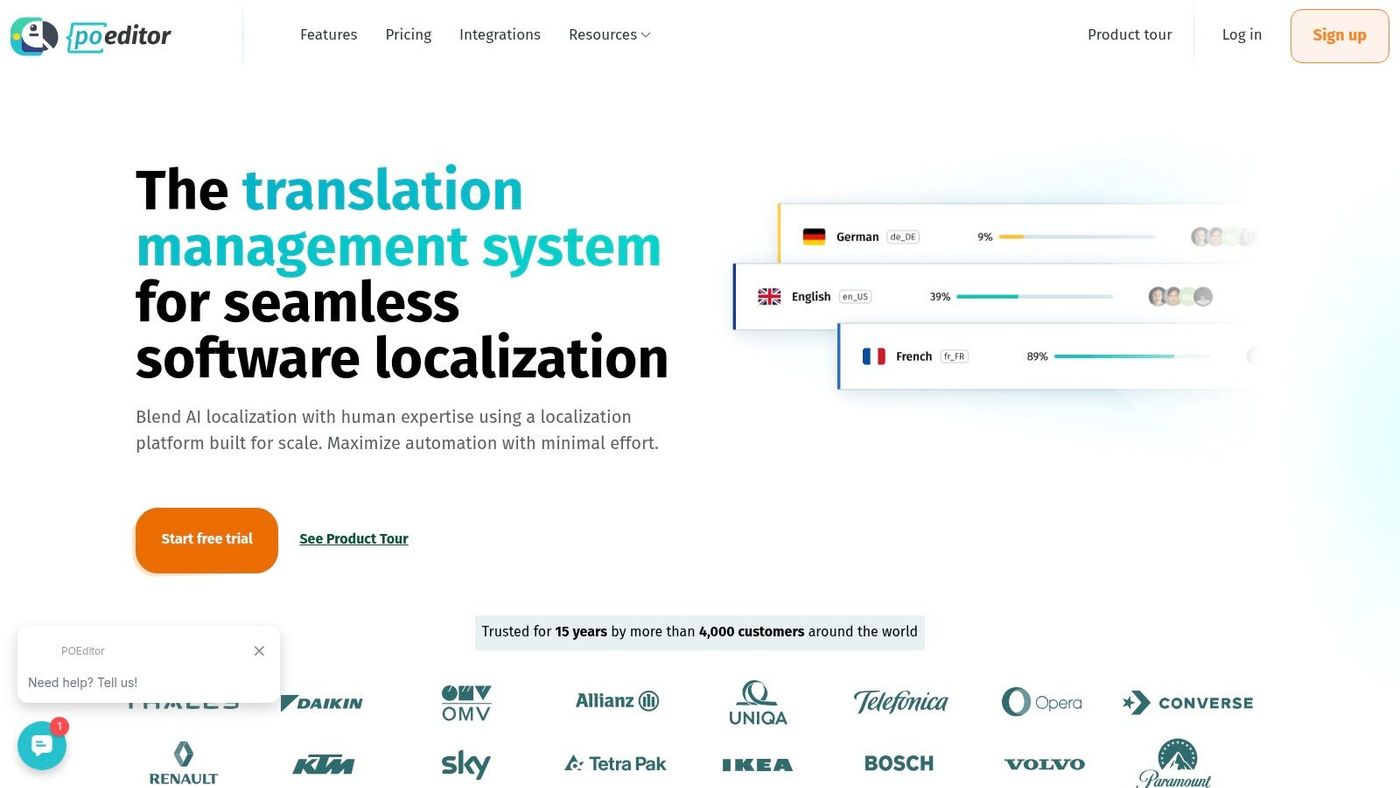
POEditor is the practical budget option. It doesn't try to look like a full enterprise operating system for localization, and that's a good thing. For many indie teams, that restraint is exactly why it works.
You get the core pieces that matter for small app teams: glossary support, QA checks, translation memory and history, API access, and integrations with the code tools people already use. If your app is growing but your localization process still lives in scattered files and comments, POEditor is a meaningful step up.
Why small teams pick it#
POEditor is easy to justify when you have limited budget and a straightforward app. It handles common mobile resource formats and gives developers and translators a shared place to work without a lot of ceremony.
It's well suited for:
- Indie apps with a few languages
- Startups that need structure before scale
- Teams replacing manual spreadsheet localization
The limitation is clear. There's no native OTA mobile SDK. If live string delivery is central to your release process, POEditor won't give you that out of the box. You'll either accept file-based updates, build your own delivery layer, or move to a more mobile-specific platform later.
That trade-off is fine for many teams. Not every app needs live text updates. But if your support queue regularly surfaces urgent copy fixes after release, that missing piece matters.
- Website: POEditor
- Pros: Accessible pricing, simple onboarding with useful core features
- Cons: No native OTA path, less mobile-specialized than larger platforms
7. Smartling#
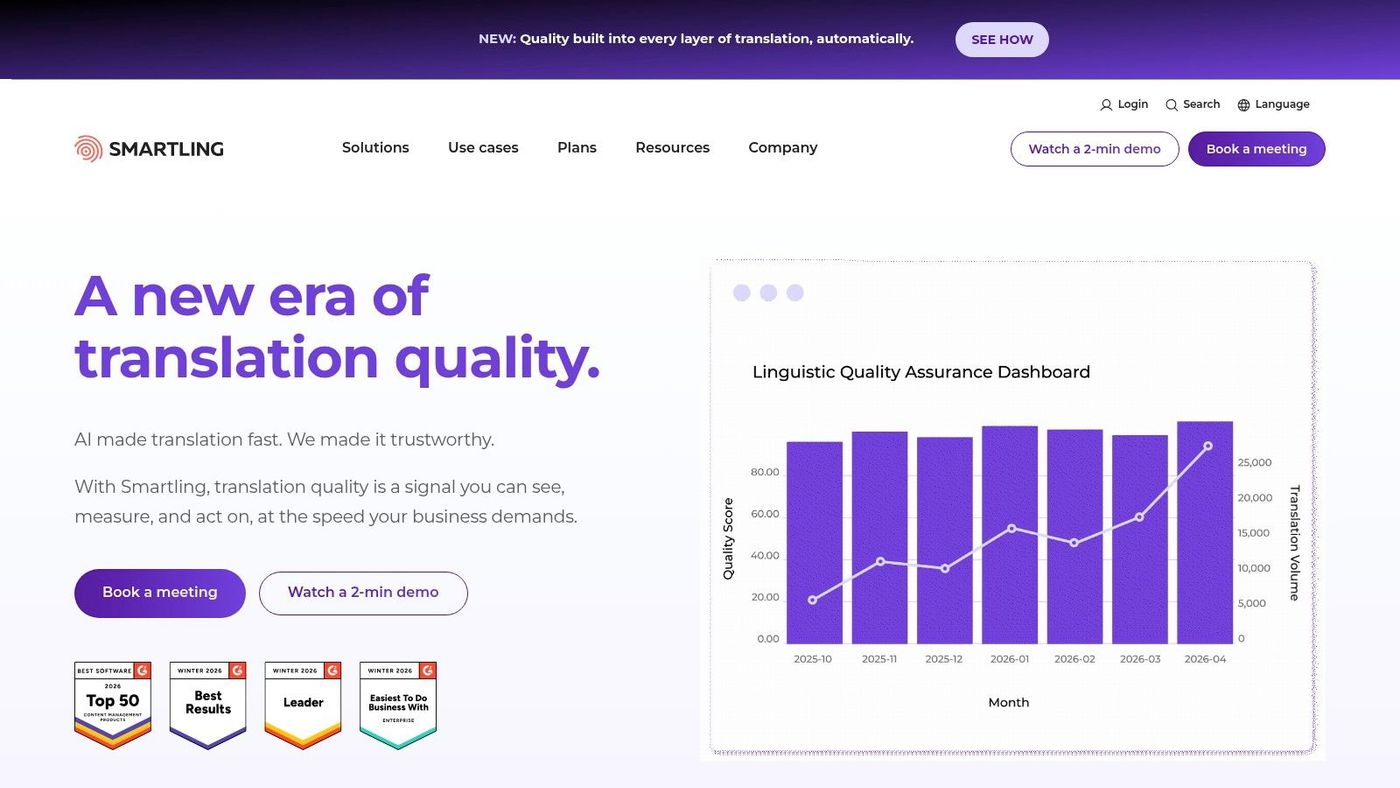
Smartling is the enterprise answer to “we need governance, context, and services, not just software.” It's a mature platform, and its strongest pitch isn't that it's the easiest. It's that larger organizations can centralize a lot of localization work under one vendor.
For mobile teams, the visual context features are useful because translators often make better decisions when they can see screenshots, layouts, and where text appears. That matters for onboarding, paywall copy, settings screens, and anywhere text length changes the experience.
What you pay for#
Smartling is built for organizations that care about workflow controls, vendor management, and operational consistency. If you have multiple products, internal stakeholders, and formal review steps, Smartling often fits that environment better than lighter tools.
A practical example is a larger app company with separate engineering, brand, legal, and regional review groups. Smartling can support that kind of structured flow more comfortably than a leaner indie-first platform.
What doesn't work is pretending it's a lightweight choice. Sales-led pricing, broader setup, and enterprise-oriented workflows make it a poor fit for founders who just want to localize an app and move fast with minimal overhead.
- Website: Smartling
- Pros: Strong governance and context tools, single-vendor option with language services
- Cons: Expensive for small teams, heavier procurement and setup process
8. OneSky#
OneSky is useful for teams that don't want to source translators separately from the platform. That combination of TMS plus in-tool human translation ordering is its main practical advantage.
A lot of teams underestimate how messy vendor coordination becomes. You can have a decent string management process and still lose time every week because nobody knows who's translating what, what was approved, or whether terminology changed between markets.
Best use case#
OneSky works best for app teams that want managed translation purchasing without building a more complex localization stack. If your team is small and you'd rather click to order vetted translation inside the platform than negotiate with separate language providers, OneSky is a reasonable option.
It's particularly sensible for:
- Mobile teams without internal localization staff
- Game or app teams needing both workflow and human translation access
- Founders who want fewer vendors to manage
The limitation is that it's less centered on advanced mobile SDK and OTA workflows than the most developer-first tools in this list. If your main requirement is continuous text delivery inside live apps, OneSky isn't usually the first option I'd shortlist.
- Website: OneSky
- Pros: Easy path to human translation ordering, simple unified workflow
- Cons: Less OTA-focused, stronger on translation procurement than developer delivery
9. Localazy#
Localazy has always appealed to developers who want a lighter, more affordable path into continuous localization. It offers SDKs, automation tooling, and public pricing that tends to make more sense for indie teams than enterprise-first platforms.
That combination is hard to ignore if you're building with a small team and still want modern localization habits. You can automate enough to avoid repetitive work without buying into a large, formal system too early.
Why indies like it#
Localazy is a good middle ground between bare-bones file handling and heavyweight TMS procurement. It gives small teams a credible way to automate string delivery and keep language work connected to releases.
The best fit usually looks like this: one or two developers, maybe a PM or freelance translator, frequent app updates, and a need for something better than manual exports. In that setup, Localazy can feel refreshingly direct.
The trade-off is ecosystem depth. Before committing, validate the integrations and review flows you need. Smaller platforms can be excellent for the core job and still fall short on edge-case enterprise requirements.
- Website: Localazy
- Pros: Good value for small teams, developer-friendly automation
- Cons: Smaller ecosystem, fewer enterprise-grade extras
10. Weblate#
Weblate is the choice for teams that want control more than convenience. It's open source, self-hostable, and friendly to engineering-heavy organizations that are comfortable owning their own infrastructure and workflows.
For some teams, that's a burden. For others, it's the whole point. If you care strongly about where data lives, how the tool is customized, or avoiding dependence on a closed vendor stack, Weblate deserves a serious look.
Who should choose Weblate#
Weblate is best for teams that already have engineering ownership for internal tooling. It handles a wide range of file formats, integrates tightly with version control, and supports continuous localization in a way that feels natural to developers.
It's a strong fit for:
- Open-source projects
- Engineering-led SaaS teams
- Organizations with self-hosting requirements
The catch is mobile delivery. There's no native OTA SDK for live app updates, so Weblate is better for file-based localization pipelines than for teams that want dynamic text delivery inside shipped mobile apps.
If your team likes owning infrastructure, Weblate feels empowering. If your team avoids DevOps work, it feels like homework.
- Website: Weblate
Top 10 App Localization Tools Comparison#
| Product | Primary focus | Key features | Mobile dev friendliness (OTA / SDK) | Target audience | Pricing & value |
|---|---|---|---|---|---|
| AppGrowKit | AI-first app creative + ASO | UI-based screenshot generator, ASO + localization, 4 creative directions | N/A for OTA; built for store-ready assets and localized exports | Solo founders, ASO specialists, mobile growth teams, agencies | Starter ~$9/mo (60 renders); Growth $39–$49/mo; annual discounts; full commercial rights |
| Lokalise | Developer-focused localization platform | OTA SDKs, API/CLI, repo integrations, AI-assisted workflows | Strong, SDKs for iOS/Android/Flutter; OTA updates supported | Engineering teams, mobile apps, enterprises | Usage/plan-based; enterprise pricing; review new limits |
| Phrase | Comprehensive localization & OTA strings | OTA via SDKs, in-context previews, multi-format support | Strong, SDKs for iOS/Android/React Native/Flutter | Mobile dev teams, translation managers, enterprises | Usage/capacity pricing; 14‑day trial; monitor quotas |
| Crowdin | TMS with broad integrations | OTA delivery, VCS/CI sync, marketplace integrations | Good, mobile SDKs & real-time preview options | Small→large teams needing integrations | Transparent tiers, free/trial option; scales with needs |
| Transifex | Mobile-first continuous localization | Transifex Native (OTA), VCS/CI, optional self-hosted delivery | Strong, OTA SDKs; self-host hosting for compliance | Mobile apps with compliance/data requirements, enterprises | Tiered pricing; can be higher as you scale |
| POEditor | Budget-friendly localization TMS | Glossaries, QA checks, translation memory, repo integrations | No native OTA SDK, file-based workflows | Indie developers, small teams, budget-conscious projects | Simple public pricing; free tier (string limits) |
| Smartling | Enterprise TMS + language services | Visual context (screenshots/OCR), connectors, language services | Supports mobile formats; strong visual/context tooling | Enterprises needing vendor-managed translations | Sales-driven pricing; enterprise quotes only |
| OneSky | TMS + on-demand human translation | Continuous localization, AI/MT options, in-tool translation ordering | Limited OTA focus, more translation ordering than SDKs | Teams wanting managed human translations | Per-word human translation + platform fees; pay-as-you-go |
| Localazy | Developer-oriented localization | Mobile SDKs, CLI/CI tools, transparent pricing, delivery network | Good, mobile SDKs & delivery network for live updates | Indie developers, solo founders, small teams | Clear, affordable public pricing; credits-based add-ons |
| Weblate | Open-source, self-hostable TMS | Broad format support, tight VCS integration, self-host option | No native OTA SDK, file-based continuous localization | Engineering-heavy teams, OSS projects, self-hosters | Free self-host option; paid hosted plans available |
Start Your Global Journey Today#
Choosing an app localization tool isn't just a tooling decision. It's an operating model decision. You're deciding how translations move from product to review to release, who owns quality, and whether localization slows down the roadmap or ships alongside it.
That's why the best choice depends less on feature checklists and more on where your current bottleneck lives. If engineers are tired of resubmitting builds for minor copy changes, prioritize OTA and repo integrations. If PMs keep finding broken strings at the end of a sprint, prioritize in-context review and approval flow. If growth teams are pushing into new markets but store conversion lags, your problem may not be string management at all. It may be that your store screenshots, headlines, and value proposition still aren't localized like the product itself.
The market direction backs up how important this category has become. The software localization market was valued at USD 5.57 billion in 2024 and is projected to reach USD 19.18 billion by 2035, with an 11.8% CAGR, according to Meticulous Research. That growth makes sense. More apps ship globally from day one, and more teams now treat localization as core product infrastructure rather than a last-mile translation task.
Here's the practical split I'd use.
If your challenge is in-app text delivery, tools like Lokalise, Phrase, Crowdin, Transifex, and Localazy are strong candidates. They help developers automate string handling, reduce manual file passing, and keep localization moving with release cycles.
If your challenge is cost-conscious structure, POEditor and Weblate are attractive for different reasons. POEditor is easier for small teams that want something simple and paid. Weblate is better for technical teams that want control and can manage the setup.
If your challenge is enterprise governance, Smartling is the obvious heavyweight. If your challenge is translation procurement inside the same workflow, OneSky is worth considering.
And if your biggest gap sits at the top of the funnel, where users decide whether to install in the first place, AppGrowKit stands out because it addresses the part most app localization tools ignore. It connects localization to screenshot production, store-ready creative, and ASO context, which is often the missing layer between “our app is translated” and “our app successfully converts in this market.”
The smartest setup for many teams isn't one tool for everything. It's a deliberate combination. Use a TMS or mobile localization platform for in-app strings and release automation. Pair it with a store-asset workflow that localizes screenshots, messaging hierarchy, and creative framing. That's how you stop treating localization like a backend task and start treating it like a full user journey.
If your team needs more than translated strings, AppGrowKit is worth a close look. It helps mobile teams turn real app screens into localized App Store and Google Play assets, while keeping ASO, screenshot strategy, and market-specific messaging in the same workflow.
Stop reading. Start ranking.
AppGrowKit takes everything in this article and runs it for you: keyword research, live ranks, conversion-focused screenshots, and market intel. Free to start.